Free WhatsApp Link Generator
- Home
- Free WhatsApp Link Generator
Free WhatsApp Link Generator
Create WhatsApp Click-to-Chat Links Instantly (Free Tool)
Generate a clickable WhatsApp link with a pre-filled message in seconds. Share it on Instagram, your website, email, ads, or anywhere online — and let customers start a conversation without saving your number. Free forever. No sign-up needed.
100% Free - No Sign-Up Required - Works with WhatsApp Business - Instant Link Generation
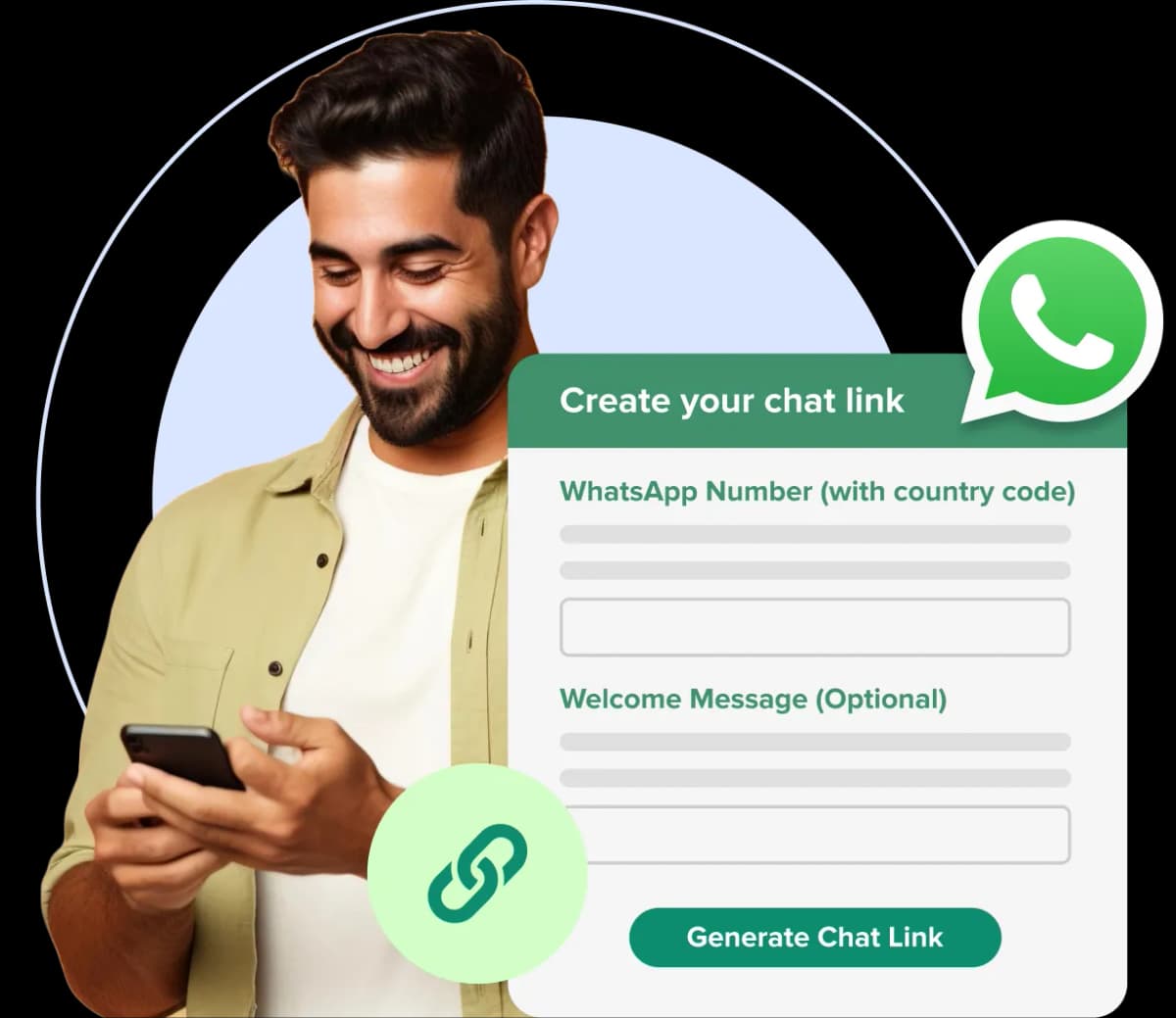
Generate Your WhatsApp Link
Create a custom WhatsApp chat link for your business in seconds.

What is a WhatsApp Link?
A WhatsApp link (also called “Click-to-Chat link”) allows users to start a conversation with your business directly on WhatsApp without saving your number.
When someone clicks your link:
- WhatsApp opens instantly
- A chat with your number is pre-filled
- The user can send a message in one tap
It removes friction and increases response rates.
Key Features of Our WhatsApp Link Generator
Instant link generation
Custom pre-filled messages
Works across devices
No technical setup required
Completely free to use
Built for speed & simplicity
Steps
Create Your WhatsApp Link in 3 Steps
No account needed. No complicated setup. Your link is ready in under 30 seconds.
Enter Your WhatsApp Number
Type your WhatsApp number with your country code (without the + symbol). For example, if your country code is +91 and your number is xxxxxxxxxx, enter +91xxxxxxxxxx.
Add a Pre-Filled Message (Optional)
Write a short opening message that will appear in your customer's chat box when they click the link. This saves them the effort of typing the first message and dramatically increases the chances they actually send it.
Copy and Share
Click Generate Link. Your wa.me link appears instantly. Copy it and paste it wherever your customers are — Instagram bio, website, email signature, Google Ads, anywhere.
Where to Share Your WhatsApp Link
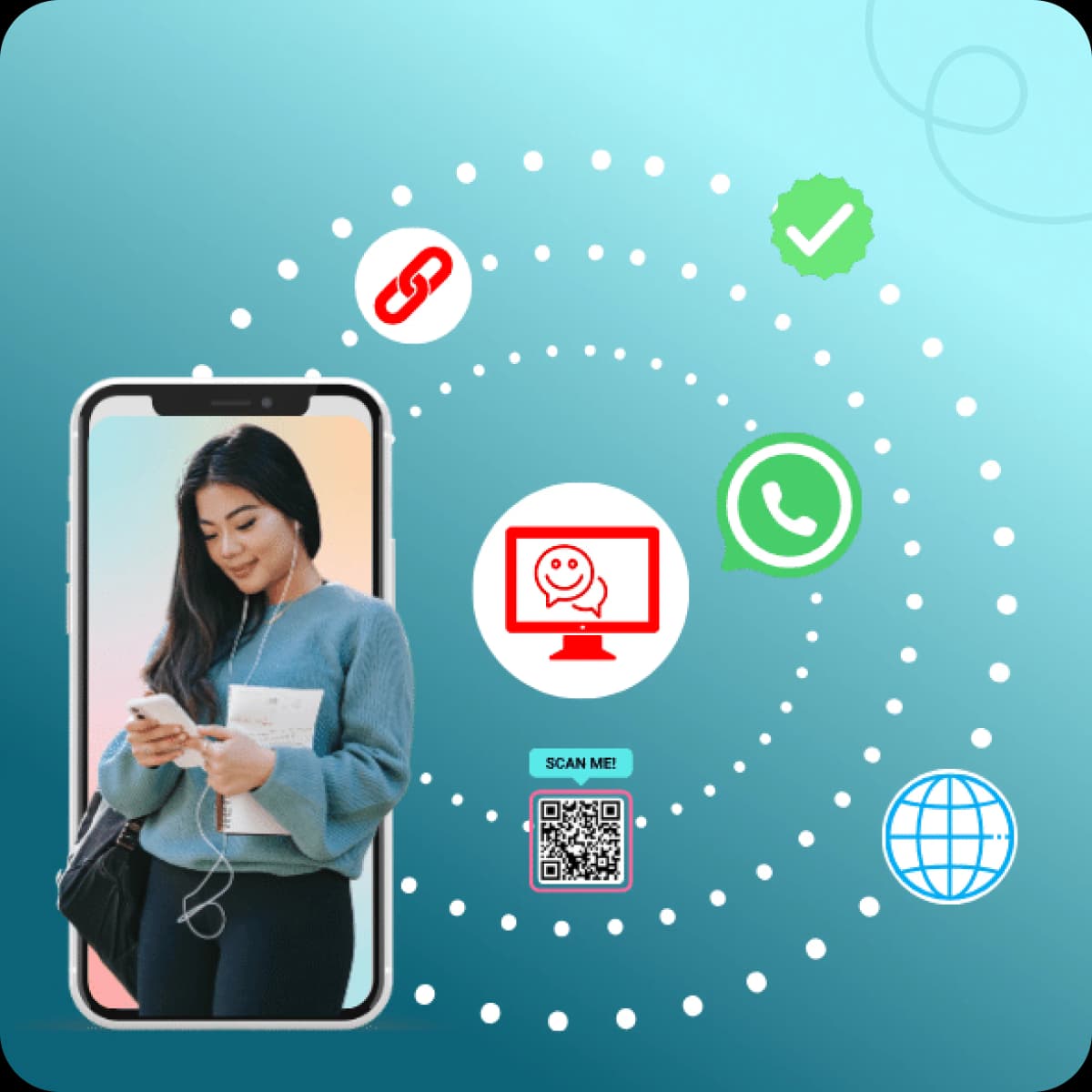
Every Place Your Customers See You, Your WhatsApp Link Should Be There A WhatsApp link works anywhere you can place a URL. Here's where businesses are getting the most conversations started:
Instagram & Facebook Bio
Your social media bio gets thousands of views but converts almost none of them into conversations. A WhatsApp link in your bio changes that — one tap from a follower opens a direct chat with your business.
Website & Landing Pages
Add your WhatsApp link as a button on your homepage, contact page, and product pages. Visitors who aren't ready to fill a form will happily click a WhatsApp link — it feels faster and more personal.
Email Campaigns & Signatures
A WhatsApp link in your email signature or campaign footer gives readers an instant way to respond — no reply email needed, no contact form to find. Just click and chat.
Paid Ads (Google, Meta, Instagram)
WhatsApp Click-to-Chat ads are one of the highest-converting ad formats right now. Your TheQuickAssist-generated link plugs directly into any ad platform — with a pre-filled message that qualifies the lead the moment they tap.
YouTube Channel Description
Viewers watching your videos are already engaged. A WhatsApp link in your YouTube description lets them jump straight to a conversation — perfect for service businesses, educators, and consultants.
Printed Materials (with QR code)
Want your WhatsApp link on physical materials like flyers or business cards? Use the TheQuickAssist WhatsApp QR Code Generator to convert your link into a scannable code — and use both together for maximum reach.
Why Use TheQuickAssist WhatsApp Link Generator?
Any tool can generate a wa.me link. Here's what makes TheQuickAssist different:
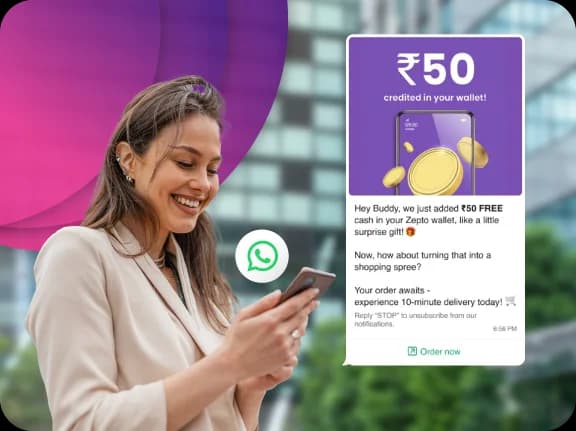
What Happens After The Click?
Creating links helps you get more messages. But handling conversations manually doesn't scale.
- Too many messages
- Can't respond instantly
- Leads go cold due to delays
Most businesses lose potential customers here.
Your Link Gets Them to Message You.
TheQuickAssist Makes Sure Every Message Becomes an Opportunity.
What happens in the moment after — how fast you respond, what they receive, whether their details get captured — is what turns that click into a customer. TheQuickAssist is the WhatsApp CRM built for exactly that moment.
Instant Automated Reply
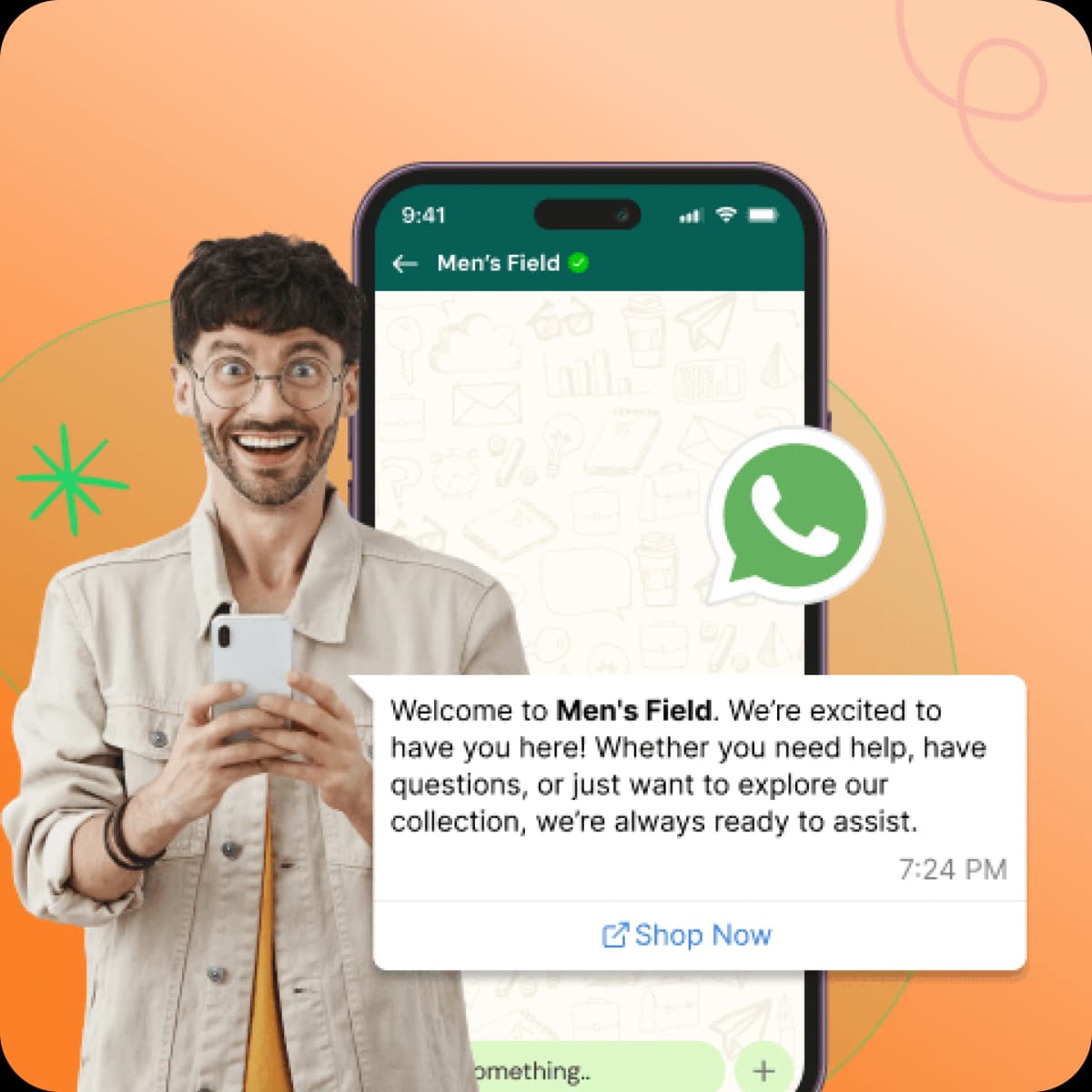
Sends an instant reply — even at 2AM on a Sunday. Welcome them, share your catalogue, or confirm a booking. All without a human needing to respond.
Shared Team Inbox
Every conversation lands in one shared inbox. Assign chats, add internal notes, track status, and make sure no lead is ever left unread.
WhatsApp Flows & Automation
Build automated flows that run 24/7 — greeting contacts, collecting details, answering questions, and routing them to the right team member.
Broadcast Campaigns
Everyone who messages you becomes a contact. Reach them with targeted campaigns — promotions, launches, seasonal offers — with a 98% open rate.
Message Templates
Pre-approved templates for confirmations, quotes, follow-ups, and support replies. Your team sends the right message in one click, every time.
Real-Time Notifications
Instant alerts for every new message. No missed leads. No delayed responses. Your team is always one step ahead.
Best Practices
- Add a clear CTA like "Chat with us on WhatsApp"
- Use pre-filled messages to guide users
- Place links where users are ready to act
- Use in high-intent areas (ads, landing pages)
Common Mistakes
- Not adding a pre-filled message
- Hiding the link instead of highlighting it
- Using it without a clear CTA
- Not tracking incoming conversations
Combine with Free Tools
Use WhatsApp links along with:
- QR Code Generator — for offline traffic
- Chat Button — for website visitors
More touchpoints = more conversations = more revenue.
What Our Users Say
Trusted by businesses across e-commerce, healthcare, real estate, and education.
“We launched our first WhatsApp campaign in under 5 minutes and saw a 3x higher open rate compared to email. This tool is a game changer.”
Sarah Reynolds
Vogue Essentials
“The unified inbox is exactly what we needed. Our support team is now 3x more efficient in responding to customer queries on WhatsApp.”
Robert Fox
TechNova Solutions
Managing WhatsApp Leads Manually vs Using a CRM
Manual WhatsApp management can work when you only receive a few enquiries. The problem appears when conversations start arriving faster than your team can keep up.
Manual Management is Hard to Scale.
Difficult to scale and highly prone to human error.
Manual Management
- Follow-ups rely heavily on memory.
- Leads can disappear inside conversations.
- Repeated questions consume team time.
- Qualification is often manual.
- Customer context can be difficult to track.
- Processes vary between team members.

Unless You Have the Right Tools.
Success Requires the Right WhatsApp CRM.
With TheQuickAssist
- Follow-up workflows can be structured.
- Leads can be organized.
- Routine questions can be automated.
- Qualification can follow a defined workflow.
- Information can be organized around the lead.
- Workflows can be standardized.
The goal isn't to remove people from the process.
It's to remove unnecessary repetition from it.
Frequently asked questions
Everything you need to know about deploying AI agents and automating your workflows.
Your Link Is Live. Now Make Sure Every Click Counts.
Thousands of businesses use TheQuickAssist to ensure every WhatsApp conversation — however it starts — becomes a lead, a booking, or a sale.
START CONVERTING CLICKS INTO CONVERSATIONS: