WhatsApp QR Code Generator
- Home
- WhatsApp QR Code Generator
Free WhatsApp QR Generator
Free WhatsApp QR Code Generator for Business
Turn offline visitors into instant WhatsApp conversations. Generate a custom WhatsApp QR code in seconds and let customers message you just by scanning — no typing, no friction.
100% Free - No Sign-Up Required - Works with WhatsApp Business - Download PNG Instantly
Generate Your WhatsApp QR Code
Create a custom WhatsApp QR code for your business in seconds.
WHAT IS A WHATSAPP QR CODE?
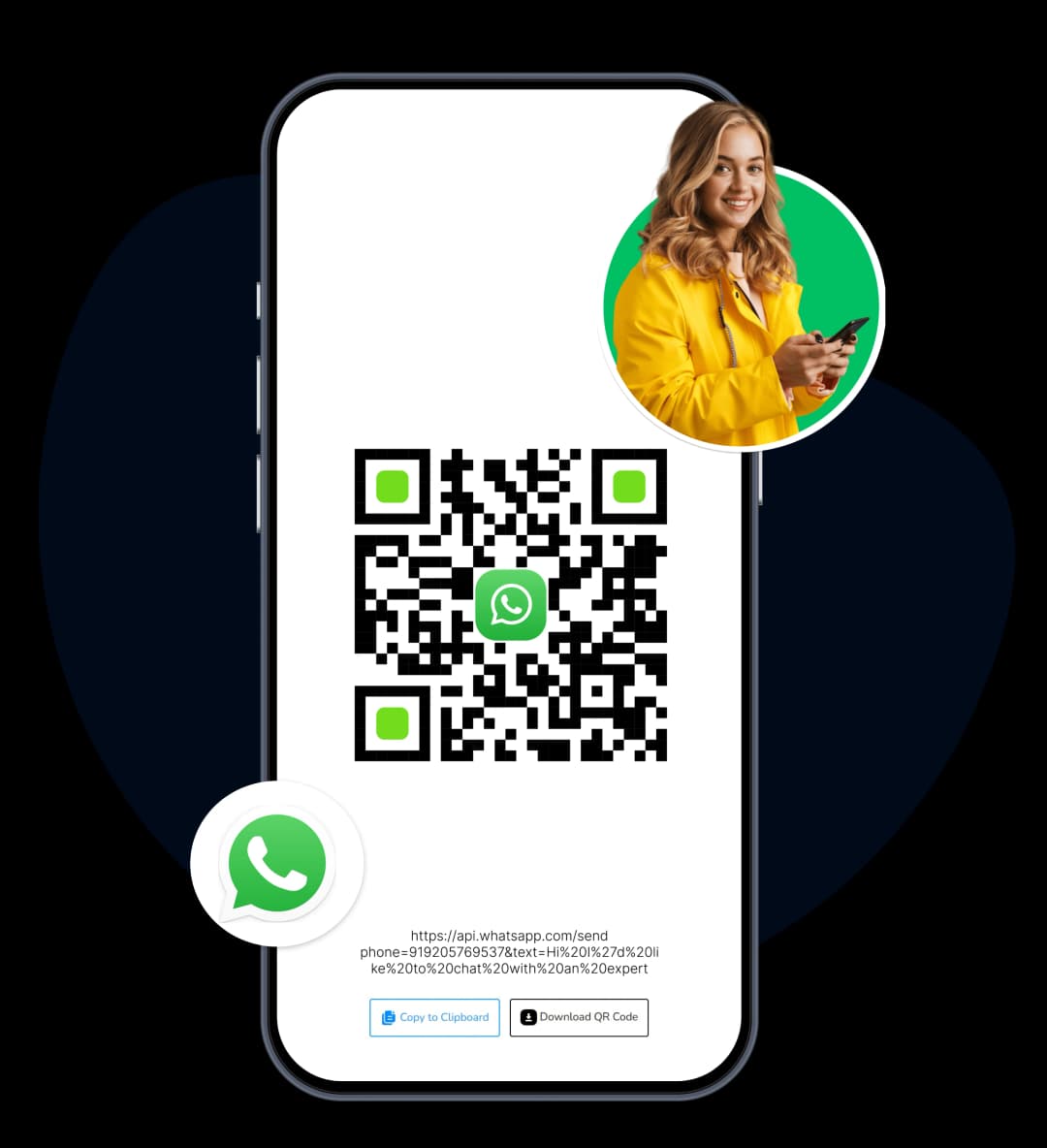
What Is a WhatsApp QR Code?
A WhatsApp QR code is a scannable code that opens a direct chat with your business on WhatsApp.
Instead of asking customers to:
- Save your number
- Type a message
They simply scan the QR code and start chatting instantly. It's the fastest way to turn interest into conversation.
Steps
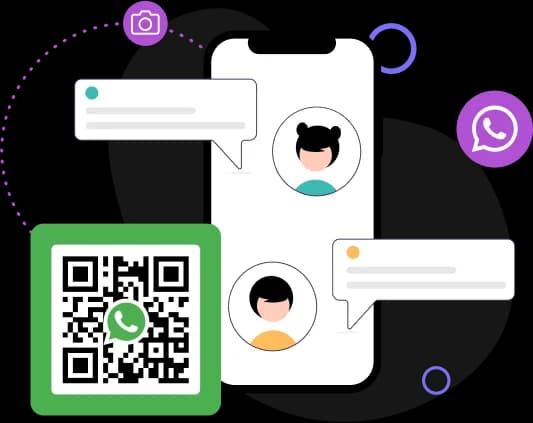
Create Your WhatsApp QR Code in 3 Steps
No account needed. No complicated setup. Done in under a minute.
Enter Your WhatsApp Number
Type your WhatsApp number with your country code (without the + symbol). For example, if your country code is +91 and your number is xxxxxxxxxx, enter +91xxxxxxxxxx.
Add a Pre-Filled Message (Optional)
Write a short welcome message that your customer will see when they scan the code. This removes the blank-message awkwardness and makes it easier for them to start the conversation.
Generate and Download
Click Generate QR Code. Your QR code appears instantly. Download it as a PNG and use it anywhere — digital or print.
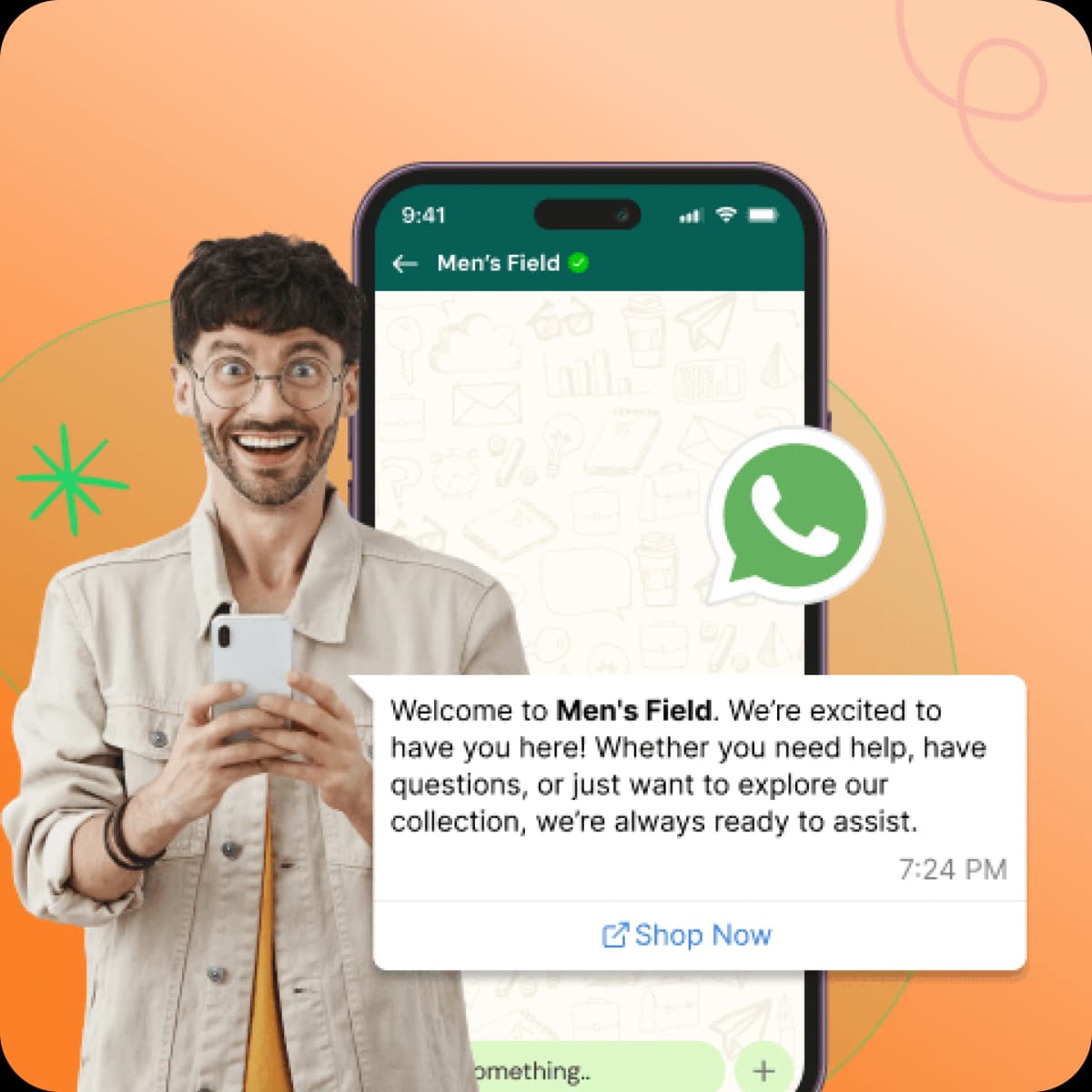
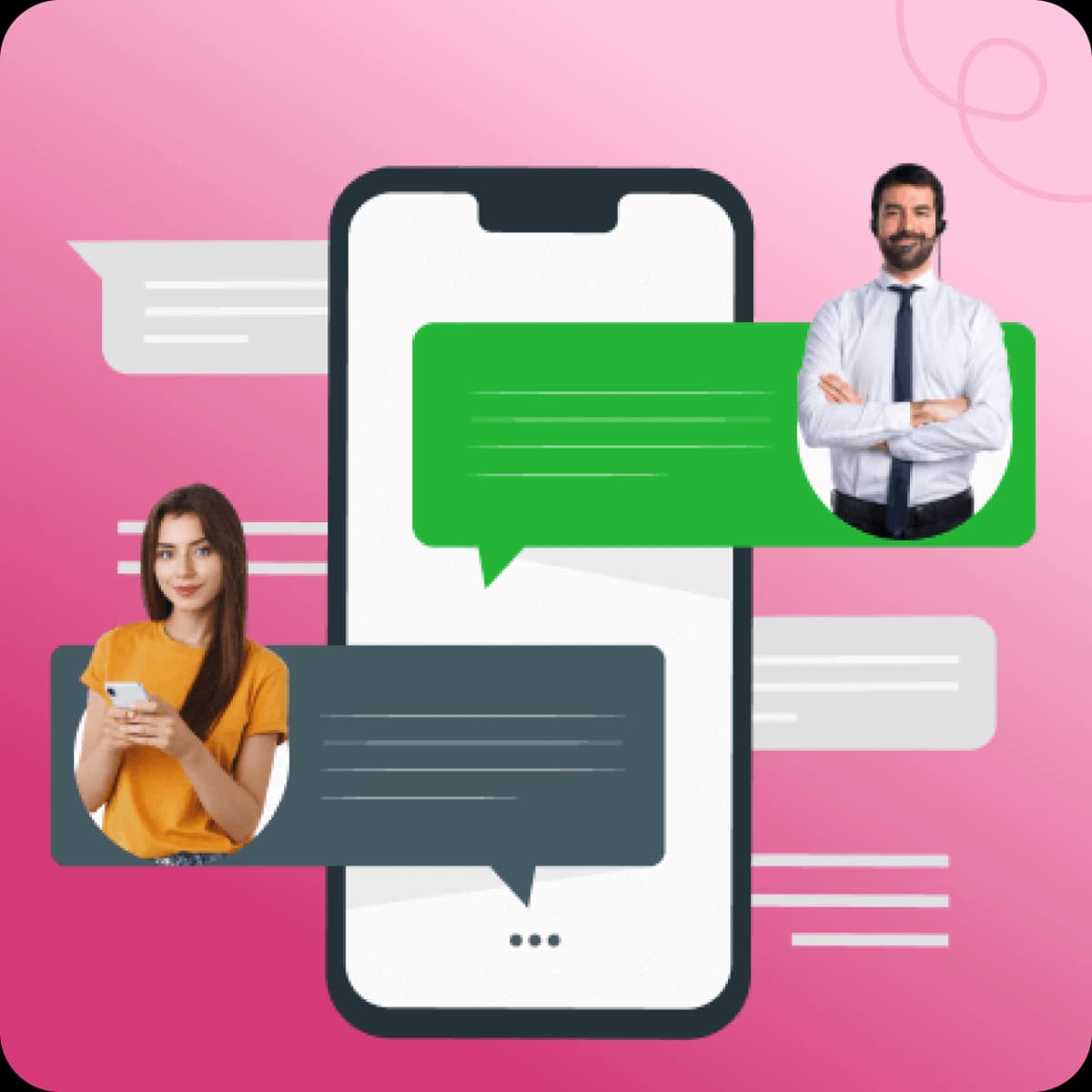
Where To Use Your QR Code
Put Your WhatsApp Everywhere Your Customers Are Your WhatsApp QR code isn't just a digital tool — it's a bridge between your offline world and your WhatsApp inbox. Here's where businesses are seeing the most results:
Product Packaging
Add your QR code to your product label or box. A customer who just received their order can scan it to ask a question, leave feedback, or reorder — without hunting for your contact details.
Store Windows & Signage
Customers walking past your store can scan your window QR code and start a chat before they even walk in. Perfect for after-hours enquiries and lead capture when you're closed.
Business Cards & Brochures
Replace the awkward "let me type in your number" moment.A QR code on your business card means a contact saved and a WhatsApp chat started in one scan.
Email Signatures & Newsletters
Not everyone clicks a link. But a QR code in an email signature or newsletter lets mobile readers scan directly into a conversation with you.
Instagram Bio & Social Profiles
Your QR code as a pinned post or story lets followers jump straight to WhatsApp without leaving the app and searching for your number.
Website & Landing Pages
If your website doesn't have a WhatsApp chat button yet, a QR code section achieves the same result — with the added benefit that it works for both desktop and mobile visitors.
Why TheQuickAssist vs Others
Why Use TheQuickAssist WhatsApp QR Code Generator?
Any tool can generate a QR code. Here's what makes TheQuickAssist different:
THEQUICKASSIST: WHAT HAPPENS AFTER THE SCAN
Generating a QR Code is Just the Start...
Getting customers to message you is step one. The real challenge begins when:
- Too many messages
- Can't respond instantly
- Leads go cold due to delays
Most businesses lose potential customers here.
The QR Code Gets Them to Message You.
TheQuickAssist makes sure you never miss what happens next.
A WhatsApp QR code is the beginning of a conversation. But what happens in the seconds after that scan — how fast you respond, whether the right message goes out, whether the lead gets captured — that's what determines if it turns into a sale. TheQuickAssist is the WhatsApp CRM built for exactly that moment. Here's what it does automatically, from the instant someone scans your QR code:
Instant Automated Reply
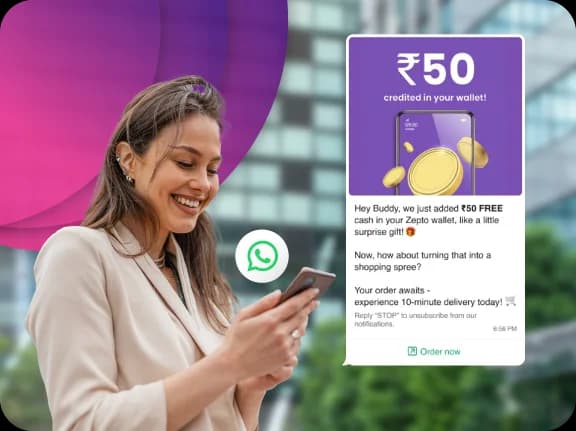
The moment someone scans your QR code and sends a message, TheQuickAssist sends an instant automated reply — even at 2AM. Greet them, share your business hours, ask qualifying questions, or send a product catalogue. All without you lifting a finger.
Shared Team Inbox
Every conversation that comes through your QR code lands in one shared inbox your entire team can access. Assign chats to the right person, add internal notes, and resolve queries faster — together. No message gets missed, no lead falls through the cracks.
WhatsApp Flows & Automation
Set up automated flows that qualify leads, collect contact details, answer FAQs, and move customers through your sales pipeline — 24/7, without human intervention. Build it once, let it run forever.
WhatsApp Broadcast Campaigns
Every contact who messages you through your QR code becomes part of your audience. Re-engage them with targeted broadcast campaigns — promotions, updates, re-order reminders — sent in bulk but delivered personally on WhatsApp.
Message Templates
Stop typing the same follow-up message every time. Build a library of pre-approved templates for confirmations, quotes, reminders, and support replies. Send the right message in one click.
Real-Time Notifications
Get instant alerts the moment a new lead arrives from your QR code scan. Your team is always one step ahead — never scrambling to catch up on missed conversations.
Best Practices
- Add a clear CTA like "Chat with us on WhatsApp"
- Use pre-filled messages to guide users
- Place links where users are ready to act
- Use in high-intent areas (ads, landing pages)
Common Mistakes
- Not adding a pre-filled message
- Hiding the link instead of highlighting it
- Using it without a clear CTA
- Not tracking incoming conversations
Combine QR Codes with Other Free Tools
To maximize results, use QR codes along with:
- WhatsApp Link Generator — (for online traffic)
- WhatsApp Chat Button — (for website visitors)
More entry points = more conversations = more sales.
What Our Users Say
Trusted by businesses across e-commerce, healthcare, real estate, and education.
“Handling property inquiries was a nightmare. Now, with automated flows, we qualify leads while we sleep. It's increased our conversion by 25%.”
Michael Chen
Chen & Associates
“We launched our first WhatsApp campaign in under 5 minutes and saw a 3x higher open rate compared to email.”
Sarah Reynolds
Vogue Essentials
Managing WhatsApp Leads Manually vs Using a CRM
Manual WhatsApp management can work when you only receive a few enquiries. The problem appears when conversations start arriving faster than your team can keep up.
Manual Management is Hard to Scale.
Difficult to scale and highly prone to human error.
Manual Management
- Follow-ups rely heavily on memory.
- Leads can disappear inside conversations.
- Repeated questions consume team time.
- Qualification is often manual.
- Customer context can be difficult to track.
- Processes vary between team members.

Unless You Have the Right Tools.
Success Requires the Right WhatsApp CRM.
With TheQuickAssist
- Follow-up workflows can be structured.
- Leads can be organized.
- Routine questions can be automated.
- Qualification can follow a defined workflow.
- Information can be organized around the lead.
- Workflows can be standardized.
The goal isn't to remove people from the process.
It's to remove unnecessary repetition from it.
Frequently asked questions
Everything you need to know about deploying AI agents and automating your workflows.
Your QR Code Is Ready. Is Your Business Ready for What Comes After?
Thousands of businesses are already using TheQuickAssist to automatically turn WhatsApp conversations into leads, bookings, and sales. Start with your free QR code. Then let TheQuickAssist handle everything that follows.
No credit card required • Meta Approved • Setup in under 5 minutes