

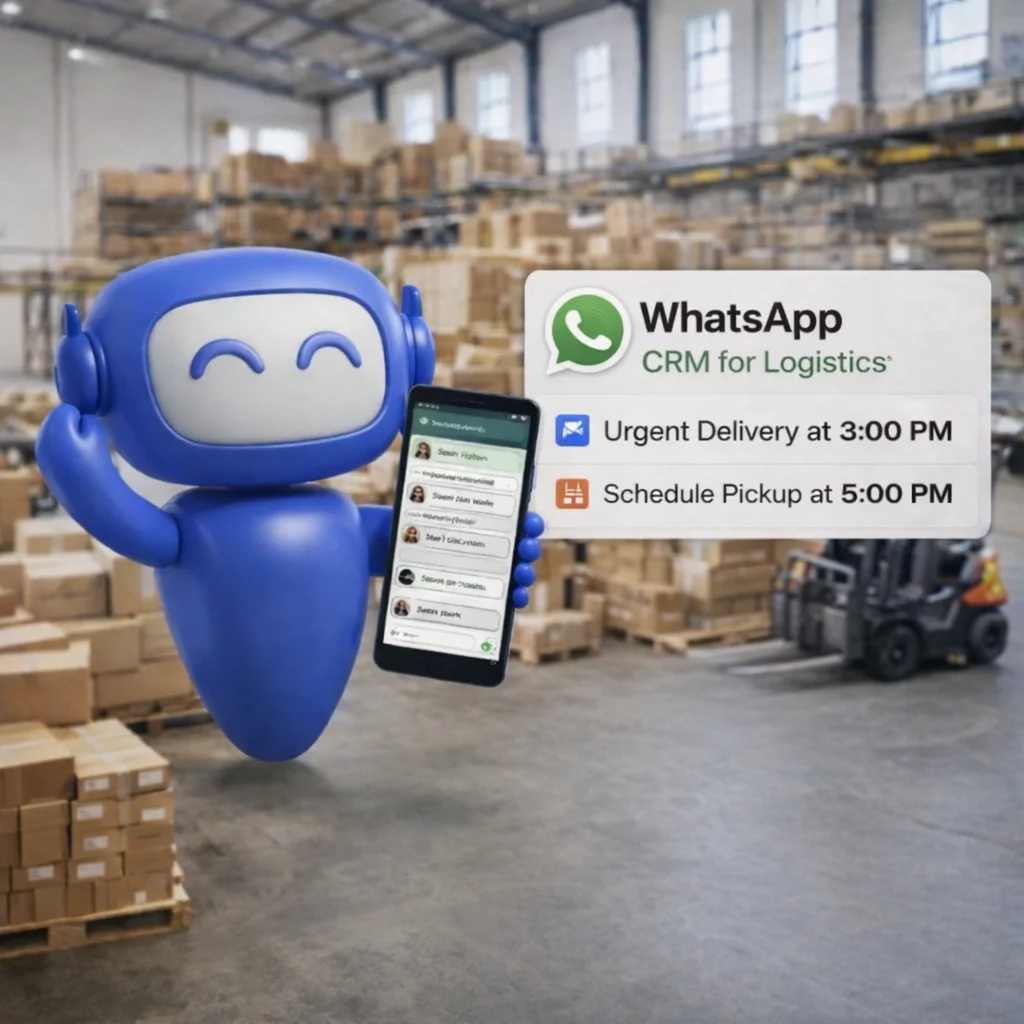

Where Logistics Companies Lose Clients
Customers Calling for Shipment Status
The single highest-volume inbound call type for most logistics companies is 'where is my shipment?' — a query that should never require a phone call if real-time shipment tracking notifications are sent automatically










How TheQuickAssistSolves This
WhatsApp messages achieve a 98% open rate and are read within 5 minutes on average — making them the most reliable channel for real-time logistics communication. TheQuickAssist connects your logistics business to WhatsApp Business API, giving your operations, customer service, and field teams one platform to manage every customer and driver communication at scale.
Shipment Tracking Notifications
Send automatic WhatsApp shipment tracking notifications at every key milestone, shipment booked, picked up, in transit, out for delivery, delivered, and any exception events. Customers receive a personalised message with their consignment number and status update the moment it changes.

Delivery Updates on WhatsApp
When a delivery is out for delivery, TheQuickAssist sends an automatic WhatsApp alert to the recipient with the estimated delivery window and the driver's name. If a delivery attempt fails, an automatic message goes out explaining why and offering rescheduling options.
Driver & Fleet Communication
Use TheQuickAssist's shared inbox and broadcast tools for fleet communication on WhatsApp, sending dispatch instructions, route updates, priority alerts, and schedule changes to your drivers. Every message is logged, timestamped, and visible to your operations team.
Automated Delivery Confirmation
Build a WhatsApp flow that prompts drivers to confirm delivery at each stop, collecting a delivery confirmation message, requesting a photo of the delivered consignment, and automatically notifying the customer and operations team when delivery is complete. Proof of delivery is captured digitally, stored in the conversation history, and available on demand, reducing disputes and the time spent resolving them.

Pickup Scheduling Automation
Let customers request pickups directly on WhatsApp through an automated scheduling flow — selecting their pickup date, time window, location, and shipment details. The flow confirms the slot, sends a reminder on the day of pickup, and notifies the operations team automatically.
Proactive Exception Alerts
When a shipment is delayed, held at a checkpoint, or rerouted, TheQuickAssist automatically notifies the customer with a personalised message explaining the situation, the revised timeline, and the next steps.
Client Broadcast Updates
Use TheQuickAssist's broadcast campaigns to communicate with your entire client base — announcing new service lanes, rate revisions, seasonal capacity updates, or value-added service offerings.
Shared Team Inbox
Every WhatsApp message — from a shipment query, a pickup request, a complaint, or a key account manager update — lands in one shared inbox your entire operations and customer service team can access. Conversations are assigned to the right team member, tracked for response time, and escalated when needed.

How Logistics Companies Use TheQuickAssist
Logistics companies use TheQuickAssist to send real-time updates, coordinate operations, and manage customer communication efficiently. Notifications, delivery updates, and support queries are handled automatically. The result is fewer support calls, smoother operations, and improved customer satisfaction.

Companies send real-time shipment notifications to customers. Updates are delivered instantly without manual effort. This reduces support queries.
How It Works
Get Started in 3 Simple Steps
Connect Your WhatsApp Number
Scan your WhatsApp QR code to link your logistics company's WhatsApp Business number to TheQuickAssist in under 60 seconds. Your operations team, customer service agents, and key account managers all get access through one shared platform — with conversations assigned to the right team member automatically.
Build Your Notification Flows and Templates
Use TheQuickAssist's visual flow builder to create your shipment tracking notification sequence, delivery update messages, pickup scheduling flow, driver dispatch templates, and exception communication messages. Pre-built logistics industry templates are available — customise them with your company name, service types, consignment number format, and brand communication style in minutes.
Connect Your Systems and Go Live
Connect your WhatsApp number to your website's customer portal, your order management system, and your driver app — routing all customer-facing events through TheQuickAssist. From this point, every shipment milestone triggers an automatic customer notification, every pickup request is structured and trackable, every driver has a professional communication channel, and every customer query lands in a managed inbox that your team can respond to from one place.
"Our inbound status calls dropped by over 50% in the first month. Customers stopped calling because they already had the information they needed. That alone saved us the equivalent of one full-time customer service agent."
Results You Can Expect
Logistics businesses that move their customer and driver communication to WhatsApp CRM consistently see fewer inbound calls, lower complaint volumes, higher first-attempt delivery rates, and client relationships that are stronger because communication is proactive, not reactive. The same operations team handles more shipments without increasing headcount.
Managing WhatsApp Leads Manually vs Using a CRM
Manual WhatsApp management can work when you only receive a few enquiries. The problem appears when conversations start arriving faster than your team can keep up.
Manual Management is Hard to Scale.
Difficult to scale and highly prone to human error.
Manual Management
- Follow-ups rely heavily on memory.
- Leads can disappear inside conversations.
- Repeated questions consume team time.
- Qualification is often manual.
- Customer context can be difficult to track.
- Processes vary between team members.

Unless You Have the Right Tools.
Success Requires the Right WhatsApp CRM.
With TheQuickAssist
- Follow-up workflows can be structured.
- Leads can be organized.
- Routine questions can be automated.
- Qualification can follow a defined workflow.
- Information can be organized around the lead.
- Workflows can be standardized.
The goal isn't to remove people from the process.
It's to remove unnecessary repetition from it.
Frequently Asked Questions
Everything you need to know about deploying AI agents and automating your workflows.
Fewer Calls. Faster Deliveries. Better Customer Experience.
TheQuickAssist gives your logistics business the WhatsApp automation to send real-time shipment tracking notifications, coordinate your drivers and field teams, handle pickup scheduling, manage delivery exceptions proactively, and reduce the customer service calls that drain your operations team every day. Setup takes under 5 minutes. No credit card required.
No credit card required • Meta Approved • Setup in under 5 minutes