WhatsApp Chat Button
- Home
- WhatsApp Chat Button
Free & Easy WhatsApp Tool
Add a WhatsApp Chat Button to Your Website — (Free & Easy)
Turn your website visitors into WhatsApp conversations. Generate a floating WhatsApp chat button.
- Customise it to match your brand
- Copy the embed code
- Paste it on your website in under two minutes.
Build Your WhatsApp Chat Button
Customise, generate, and embed your WhatsApp chat widget in three simple steps.
Button Style
Choose from multiple button designs
Chat Button Preview
Tool Customisation Options
Change your brand name, welcome text and default user message
WHAT IS A WHATSAPP CHAT BUTTON?
What Is a WhatsApp Chat Button?
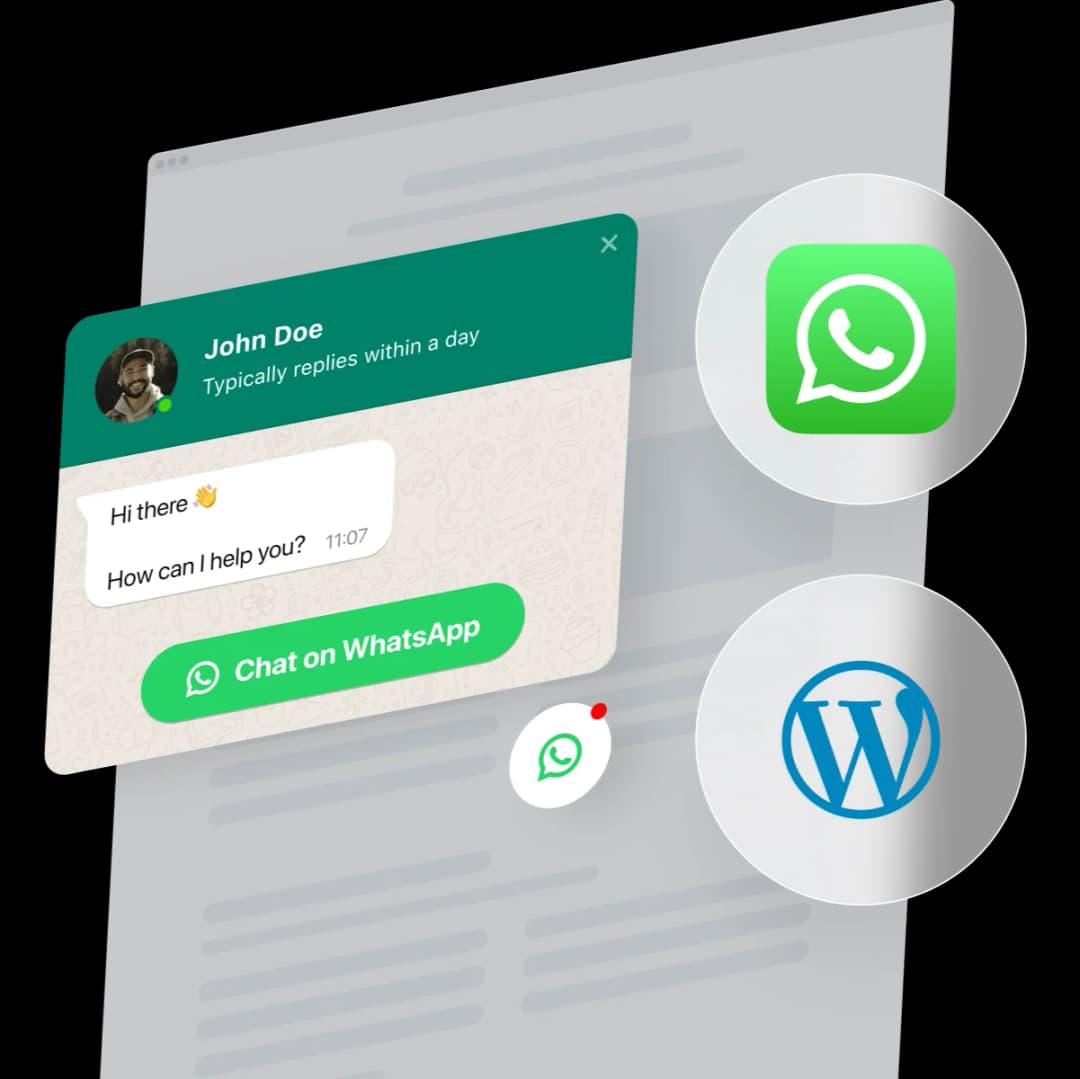
A WhatsApp chat button is a floating widget that sits on the corner of your website — always visible, always ready, that allows visitors to start a conversation with you instantly.
When a visitor clicks the button:
- WhatsApp opens directly
- With your number and a pre-filled message
- Allowing the users to start a conversation instantly without ever leaving your site.
It's the fastest way to convert a website visitor into a WhatsApp lead. And with TheQuickAssist's chat button generator, you can build one that matches your brand, choose exactly where it sits on your page, and customise the greeting message — all without writing a single line of code.
Key Features of Our WhatsApp Chat Button
Floating button design
Mobile & desktop compatible
Custom pre-filled message
Easy integration (copy-paste code)
Works with all websites
Simple, fast, and built for business use
HOW TO USE (3 STEPS)
Add a WhatsApp Chat Button to Your Website in 3 Steps
No developer. No plugins. No complicated setup. Your button is live in under two minutes.
Step 1 — Customise Your Button
Choose your button style, brand colour, and CTA text. Set the position (bottom-left, bottom-right, or top-right), add your brand name and logo URL, and write a short welcome greeting. This is what your visitors will see before they open the chat.
Step 2 — Set Up Your WhatsApp Details
Enter your WhatsApp number with country code. Add an optional pre-filled message that will be sent automatically when a visitor opens the chat — this sets the tone of the conversation and makes it easier for them to engage. You can also enable the page link feature, which automatically includes the URL of the page where the visitor clicked the button, so you always know exactly which page triggered the conversation.
Step 3 — Generate, Copy, and Paste
Click Generate Widget Code. Copy the code that appears and paste it into your website's HTML just before the closing body tag. Your WhatsApp chat button is now live on every page of your website.
WHY EVERY BUSINESS WEBSITE NEEDS A WHATSAPP CHAT BUTTON
Your Website Gets Visitors. A WhatsApp Chat Button Turns Them Into Conversations.
Most website visitors leave without making contact. Contact forms feel like homework. Email feels slow. Phone calls feel intimidating. But WhatsApp? WhatsApp is what they're already using. A floating chat button removes every barrier between your visitor and your business.
- Higher Conversion Rate
- Faster Response, Happier Customers
- Works 24/7, Even When You're Offline
- Works on Mobile and Desktop
- Branded and Customisable
Where to Add Your WhatsApp Chat Button
Every Page Where a Visitor Might Have a Question. The closer it is to user intent, the better it converts.
Homepage
The first point of contact. A chat button here ensures every new visitor knows they can get immediate help.
Landing pages
High-intent pages where visitors look for solutions. A quick chat can be the final push toward conversion.
Product pages
Crucial for e-commerce. Help customers with product specs, availability, or shipping details in real-time.
Pricing pages
Where final decisions are made. Address concerns about billing or custom plans before the lead goes cold.
Contact pages
Provide a faster alternative to slow forms. Let users choose the convenience of WhatsApp over wait-heavy methods.
Blog & Resource Pages
Convert readers into leads. If they find your content helpful, let them reach out to discuss implementation.
Checkout & Cart Pages
Reduce cart abandonment by clearing up last-minute doubts about security, returns, or payment options.
Best Practices to Maximize Conversions
To get the best results from your chat button:
Add a clear message
Use a direct prompt like “Chat with us on WhatsApp” to guide visitors.
Strategic Placement
Place the button visibly; the bottom corner usually performs best.
High-Intent Pages
Prioritize usage on pages where visitors are closest to making a decision.
Speed Matters
Respond quickly to incoming messages to maximize your conversion rate.
WHY THEQUICKASSIST VS OTHERS
Why Use TheQuickAssist's WhatsApp Chat Button Generator?
There are other WhatsApp button generators out there. Here's what makes TheQuickAssist the one worth using:
The real difference? TheQuickAssist is the only free WhatsApp chat button generator built as part of a complete WhatsApp CRM.
Every conversation that starts from your chat button flows directly into TheQuickAssist — where it gets an automated reply, gets captured as a lead, gets assigned to a team member, and gets followed up. No other free button generator does this.
The Button Starts the Conversation. What Happens After?
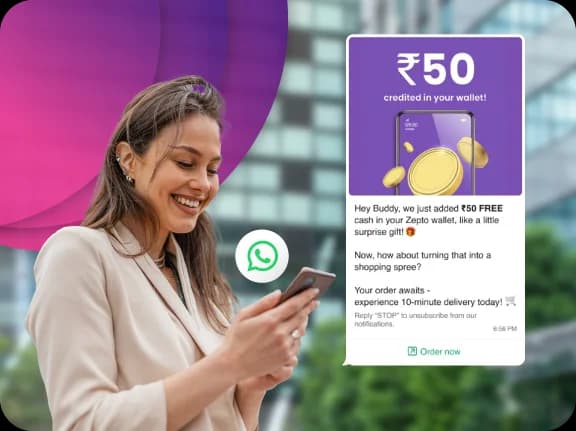
Adding a chat button gets visitors talking. But handling conversations manually doesn't scale.
- Too many messages to handle manually
- Can't respond instantly, especially after hours
- Leads go cold due to delays
Most businesses lose potential customers here.
Your Button Gets Them to Message You.
TheQuickAssist Makes Sure Every Message Becomes an Opportunity.
What happens in the moment after — how fast you respond, what they receive, whether their details get captured — is what turns that first chat into a customer. TheQuickAssist is the WhatsApp CRM built for exactly that moment.
Instant Automated Replies
Respond the moment a message is received — even outside business hours. Welcome users, share key information, or ask qualifying questions without manual effort.
Shared Team Inbox
All conversations are managed in one place. Assign chats, track progress, collaborate with your team, and ensure no lead is missed.
Smart Flows & Automation
Set up automated conversation flows to capture details, qualify leads, and route them to the right team member or next step.
Broadcast Campaigns
Every new conversation becomes a contact. Re-engage them later with targeted WhatsApp campaigns — offers, updates, and reminders.
Message Templates
Save time with ready-to-use replies for common queries. Respond faster and maintain consistency across conversations.
Real-Time Notifications
Get notified instantly when a new message comes in, so your team can act without delay.
Best Practices
- Place the button where visitors are most likely to engage
- Use a pre-filled message to set conversation context
- Write a short, welcoming greeting in the widget
- Enable the page link feature so you always know what triggered the chat
Common Mistakes
- Not setting a pre-filled message
- Using a generic greeting with no context
- Placing the button in a low-traffic area
- Not following up on conversations that come in
Combine with Free Tools
Use the chat button along with:
- WhatsApp Link Generator — for digital sharing
- QR Code Generator — for offline traffic
More touchpoints = more conversations = more revenue.
What Our Users Say
Trusted by businesses across e-commerce, healthcare, real estate, and education.
“TheQuickAssist transformed the way we handle patient appointments. We've reduced no-shows by 40% and our front desk team finally has time to breathe.”
Dr. James Doe
HealthFirst Clinic
“The unified inbox is exactly what we needed. Our support team is now 3x more efficient in responding to customer queries on WhatsApp.”
Robert Fox
TechNova Solutions
Managing WhatsApp Leads Manually vs Using a CRM
Manual WhatsApp management can work when you only receive a few enquiries. The problem appears when conversations start arriving faster than your team can keep up.
Manual Management is Hard to Scale.
Difficult to scale and highly prone to human error.
Manual Management
- Follow-ups rely heavily on memory.
- Leads can disappear inside conversations.
- Repeated questions consume team time.
- Qualification is often manual.
- Customer context can be difficult to track.
- Processes vary between team members.

Unless You Have the Right Tools.
Success Requires the Right WhatsApp CRM.
With TheQuickAssist
- Follow-up workflows can be structured.
- Leads can be organized.
- Routine questions can be automated.
- Qualification can follow a defined workflow.
- Information can be organized around the lead.
- Workflows can be standardized.
The goal isn't to remove people from the process.
It's to remove unnecessary repetition from it.
Frequently asked questions
Everything you need to know about deploying AI agents and automating your workflows.
Your Button Is Ready. Now Make Sure Every Conversation It Starts Turns Into a Customer.
Your WhatsApp chat button is live in under two minutes. Thousands of businesses are already using TheQuickAssist to make sure every conversation that starts on their website ends with a conversion — not a missed message.