The Complete WhatsApp Automation Checklist for Businesses in 2026
The Complete WhatsApp Automation Checklist for Businesses in 2026
Customer expectations have changed dramatically over the last few years. Today, people want instant responses, personalized communication, and seamless interactions with businesses. Whether you run a real estate company, healthcare clinic, educational institution, e-commerce store, travel agency, financial service, or any other business, customers increasingly prefer messaging over emails and phone calls.
This is why WhatsApp automation has become one of the most powerful business tools in 2026. With billions of active users worldwide, WhatsApp offers businesses a direct and familiar way to engage prospects, support customers, and drive conversions.
However, simply having a WhatsApp Business account is not enough. To achieve real results, businesses need a structured automation strategy. This complete WhatsApp automation checklist will help you build an efficient communication system that improves customer experience, increases response speed, and boosts sales performance.
Why Businesses Need WhatsApp Automation in 2026
Customers expect quick answers regardless of the industry. A delayed response can result in lost leads, missed opportunities, and dissatisfied customers.
WhatsApp automation helps businesses:
- Respond instantly to inquiries
- Capture and qualify leads automatically
- Reduce manual workload for teams
- Improve customer satisfaction
- Increase conversion rates
- Maintain communication consistency
- Scale customer interactions without increasing staff
Businesses that automate customer communication can serve more customers while maintaining a personalized experience.
Step 1: Set Up WhatsApp Business Properly
Create a professional WhatsApp Business profile that includes:
- Business name
- Logo or profile image
- Business description
- Website link
- Email address
- Working hours
- Business location (if applicable)
A complete profile builds trust and improves customer confidence.
Step 2: Connect WhatsApp to Your Website
Add WhatsApp Click-to-Chat buttons to important pages such as:
- Homepage
- Product Pages
- Service Pages
- Pricing Pages
- Contact Page
- Landing Pages
- Blog Articles
The easier it is to contact you, the higher your chances of generating leads.
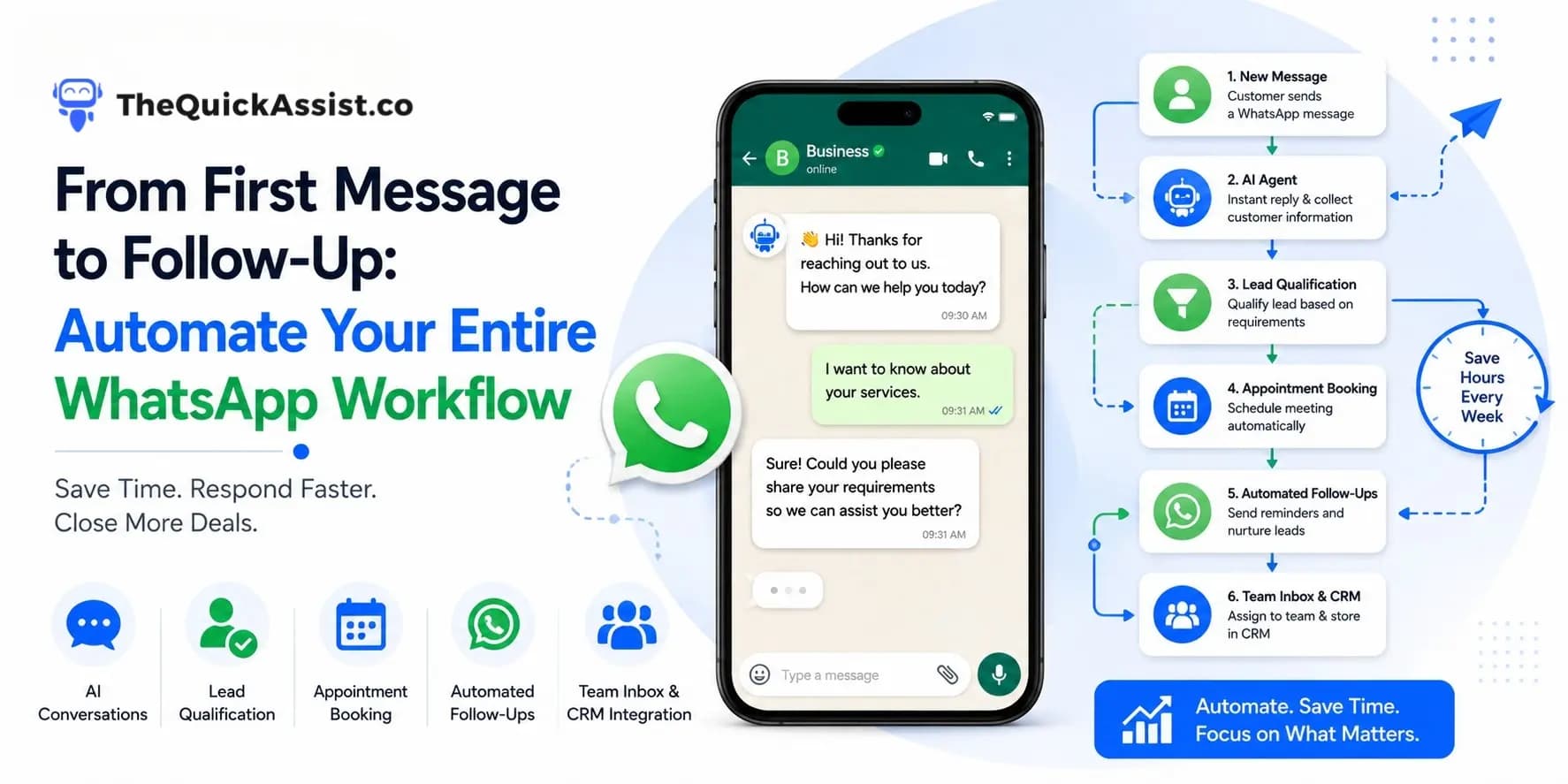
Step 3: Create Automated Welcome Messages
Every customer should receive an instant response.
Your welcome message should:
- Greet the customer
- Introduce your business
- Set expectations
- Provide the next step
"Thank you for contacting us. Our team has received your message and will respond shortly. In the meantime, please tell us how we can assist you."
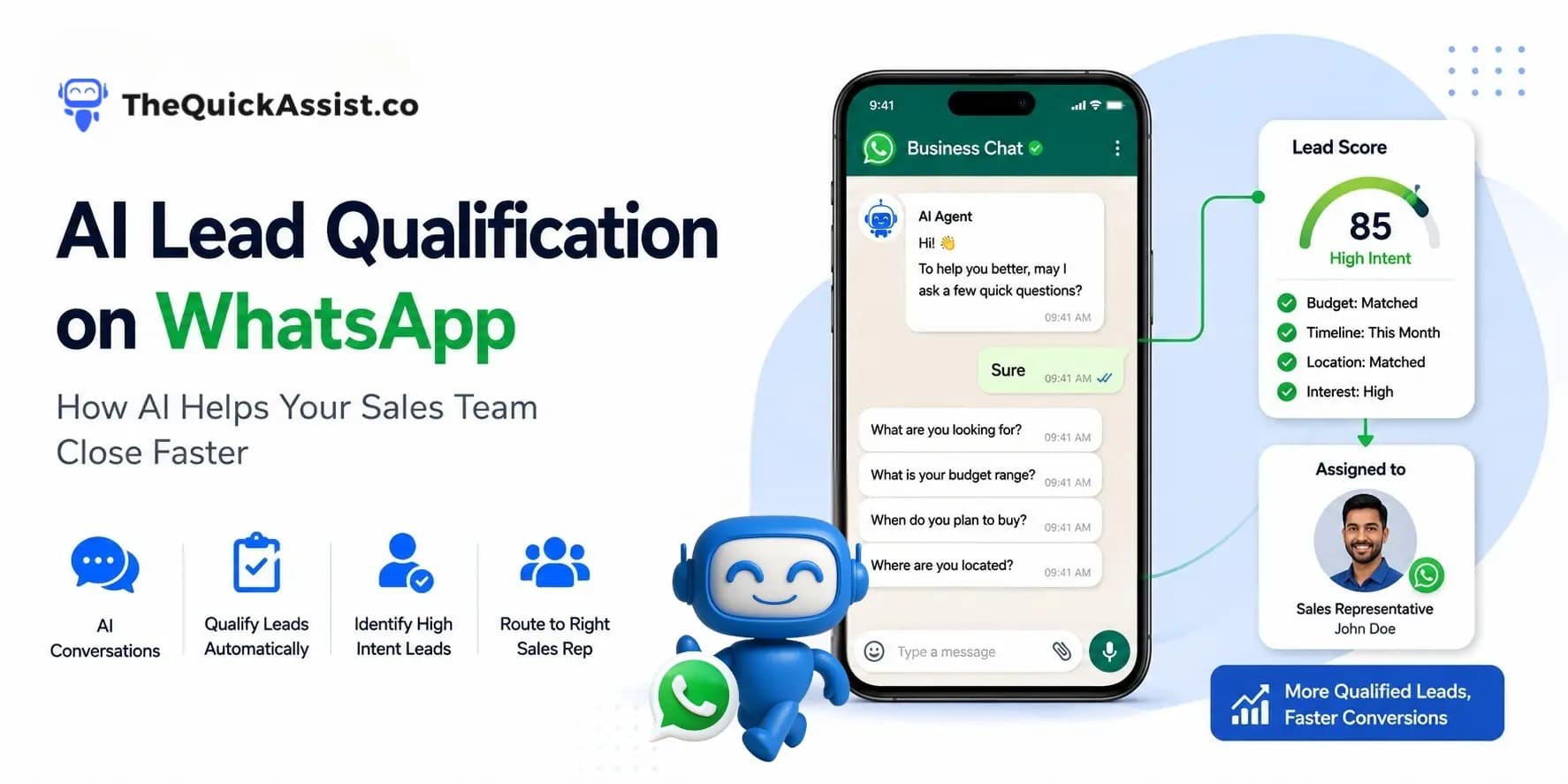
Step 4: Build Lead Qualification Flows
Automatically collect key information such as:
- Name
- Location
- Service Interest
- Budget
- Preferred Timeline
- Business Requirements
Automatically route qualified leads to the right sales representative.
Step 5: Integrate WhatsApp with CRM Software
CRM integration provides:
- Centralized customer data
- Better follow-up tracking
- Sales pipeline visibility
- Reduced manual data entry
- Improved reporting
Step 6: Implement Shared Team Inbox Access
A Shared WhatsApp Inbox enables:
- Sales collaboration
- Customer support management
- Performance monitoring
- Faster response times
Step 7: Set Up Automated Follow-Ups
Automatically send follow-up messages after:
- Lead inquiries
- Information requests
- Purchases
- Appointment bookings
- Quotation sharing
Consistent follow-ups improve conversion rates.
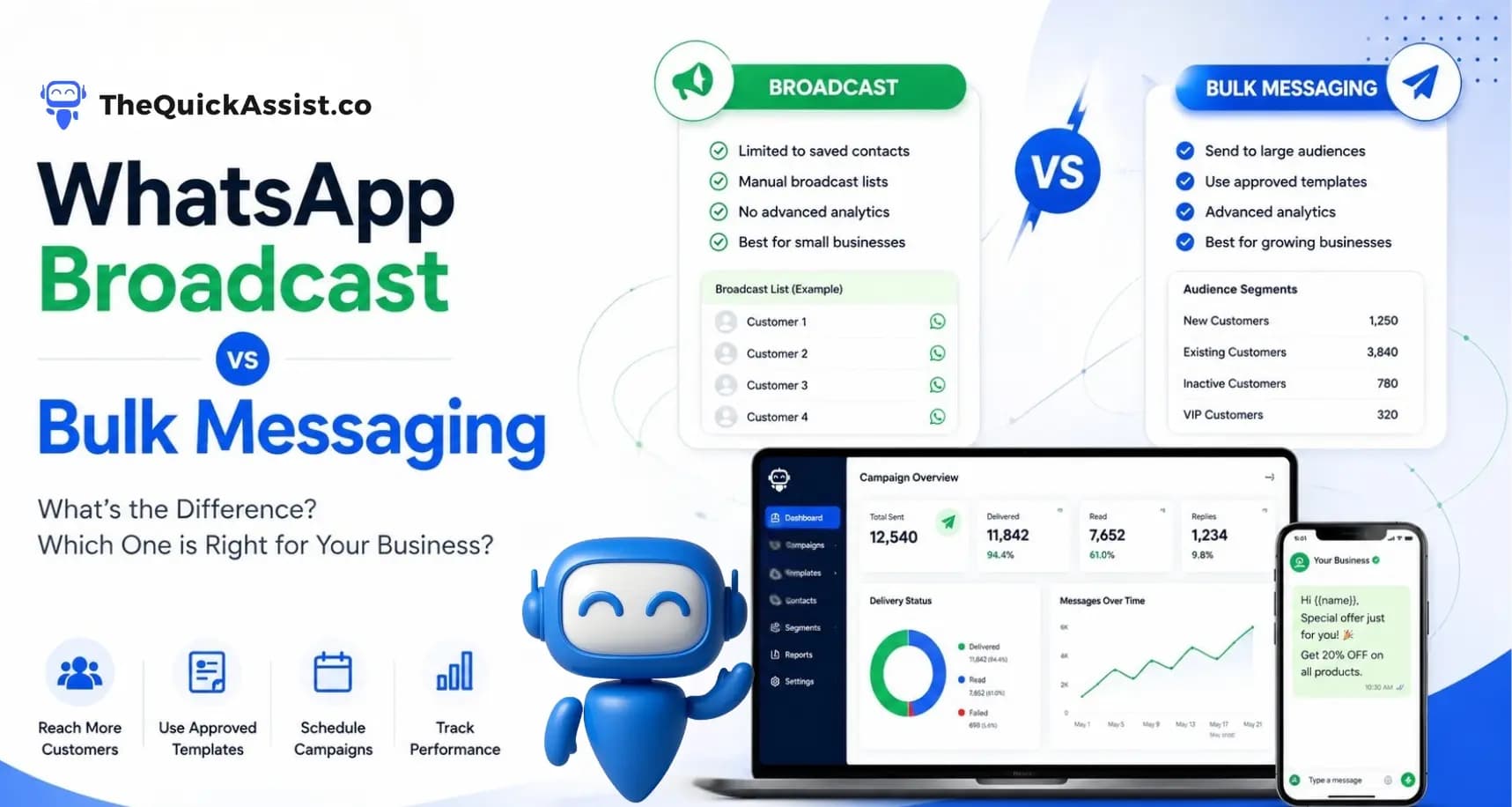
Step 8: Use WhatsApp Broadcast Campaigns
Broadcast campaigns can be used for:
- Product launches
- Special offers
- Educational content
- Event invitations
- Customer updates
- Seasonal promotions
WhatsApp often delivers higher open rates than traditional email marketing.
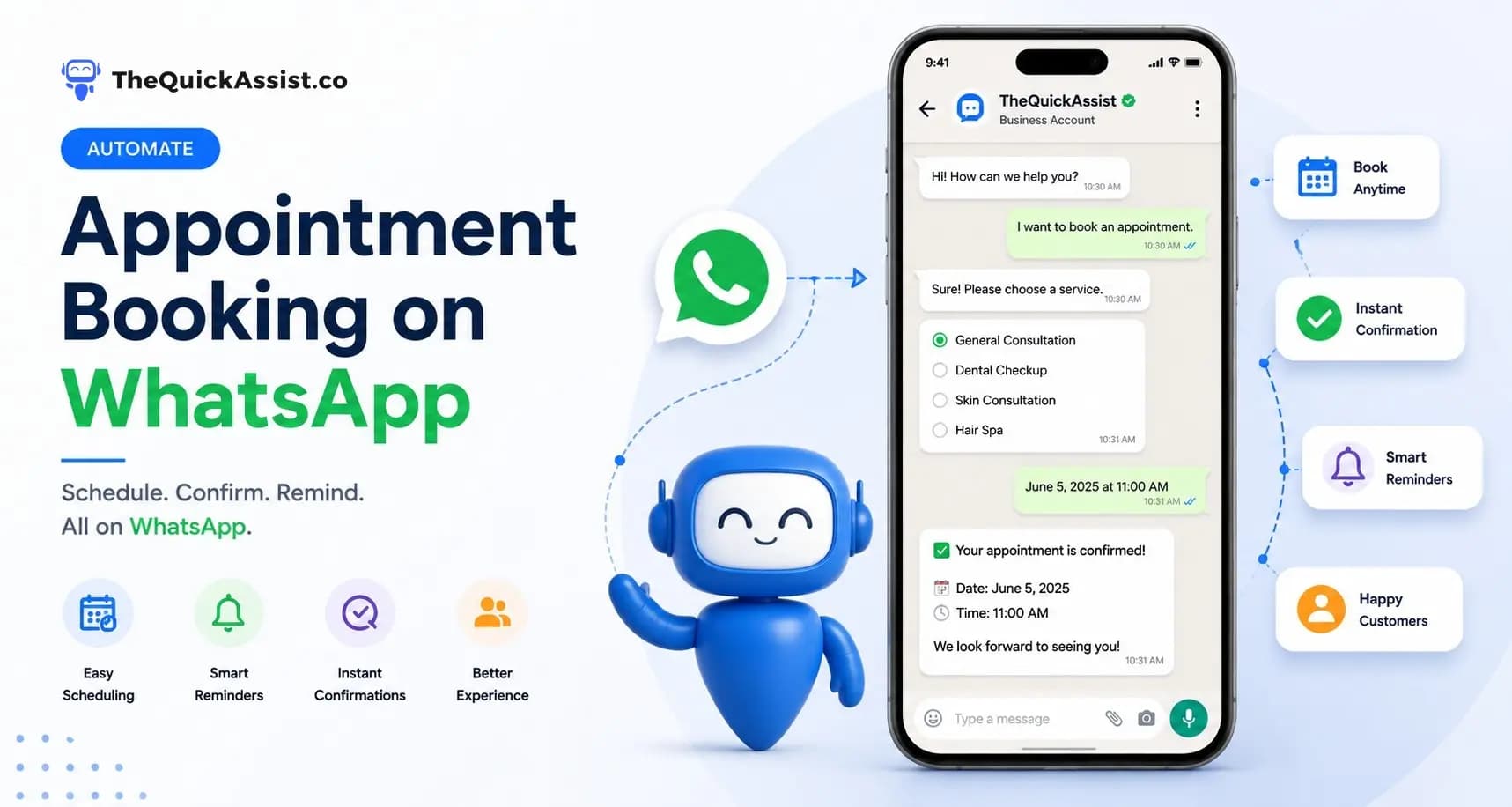
Step 9: Automate Appointment & Booking Reminders
Send automated:
- Appointment confirmations
- Reminder notifications
- Rescheduling links
- Booking updates
- Event reminders
Step 10: Enable Customer Support Automation
Automatically answer frequently asked questions about:
- Pricing
- Business hours
- Services
- Delivery timelines
- Refund policies
- Booking procedures
Complex conversations can be seamlessly transferred to human agents.
Step 11: Track Performance Metrics
Monitor important KPIs including:
- Response times
- Lead conversion rates
- Customer engagement
- Campaign performance
- Support resolution times
Continuous optimization leads to better ROI.
Step 12: Ensure Compliance & Data Security
Ensure your business:
- Obtains customer consent
- Follows WhatsApp policies
- Stores customer data securely
- Protects customer information
- Complies with local regulations
Common WhatsApp Automation Mistakes to Avoid
- Over-automating conversations
- Sending excessive promotional messages
- Ignoring personalization
- Delayed human intervention
- Poor lead routing
- No CRM integration
- Not tracking performance metrics
The best automation combines AI efficiency with human support.
Conclusion
WhatsApp has become one of the most important business communication channels in 2026. Businesses that automate customer communication can improve lead management, streamline support, strengthen customer relationships, and increase sales.
Whether you're in real estate, healthcare, education, retail, finance, travel, hospitality, or professional services, following this checklist will help you build a scalable WhatsApp automation strategy.
Organizations that invest in automation today will be better positioned to deliver exceptional customer experiences and achieve long-term business growth.
Ready to Automate Your Business?
Book a free 15-minute demo with TheQuickAssist and discover how WhatsApp automation can transform your customer communication.