WhatsApp Broadcast vs Bulk Messaging: What's the Difference?
WhatsApp Broadcast vs Bulk Messaging: What's the Difference?
Understand the difference between WhatsApp Broadcast and Bulk Messaging, learn when to use each option, and discover how TheQuickAssist helps businesses run smarter WhatsApp campaigns.
WhatsApp has become one of the most effective communication channels for businesses. From sending order updates to promoting new offers, businesses use WhatsApp to engage customers quickly and personally.
However, many people confuse WhatsApp Broadcast with Bulk Messaging. Although both allow businesses to send messages to multiple customers, they work differently and are designed for different purposes.
Choosing the wrong method can limit your reach, affect customer engagement, and even prevent your campaigns from reaching the right audience.
In this guide, we'll explain the differences between WhatsApp Broadcast and Bulk Messaging and show how TheQuickAssist Campaign Manager helps businesses create, schedule, and manage professional WhatsApp campaigns.
What Is WhatsApp Broadcast?
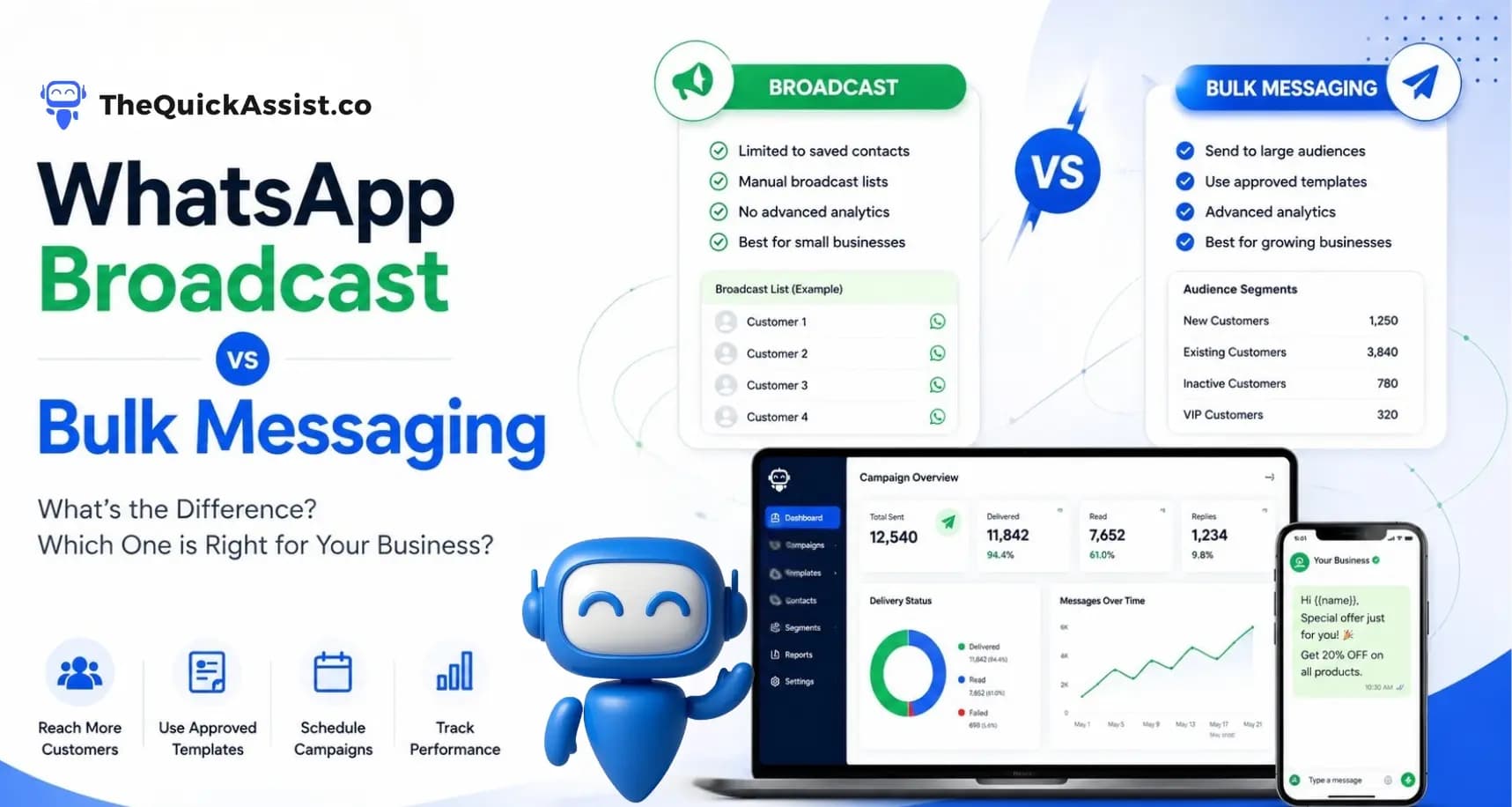
WhatsApp Broadcast is a feature available in the standard WhatsApp Business App that allows businesses to send the same message to multiple contacts at once.
Each recipient receives the message as an individual conversation rather than in a group chat.
However, Broadcast Lists have important limitations.
- Recipients must have your number saved in their contacts.
- Broadcast list size is limited.
- No advanced analytics.
- No campaign scheduling.
- No workflow automation.
- No customer segmentation.
For very small businesses, Broadcast Lists may be sufficient for occasional communication.
What Is WhatsApp Bulk Messaging?
Bulk Messaging uses the WhatsApp Business API to send approved template messages to large numbers of customers in a compliant and scalable way.
Instead of manually creating Broadcast Lists, businesses can launch campaigns using customer segments, schedule messages, monitor delivery performance, and automate customer communication.
Bulk Messaging is designed for businesses that want to communicate consistently with hundreds or thousands of customers.
Key Differences Between Broadcast and Bulk Messaging
Audience Size
Broadcast Lists are suitable for small contact lists, while Bulk Messaging is built to handle large customer databases efficiently.
Customer Requirements
Broadcast messages generally require recipients to have your number saved. Bulk Messaging through the WhatsApp Business API does not rely on this limitation when businesses follow Meta's messaging policies.
Message Types
Bulk Messaging uses approved WhatsApp message templates, ensuring businesses communicate within Meta's guidelines.
Automation
Broadcast Lists require manual effort, while Bulk Messaging can be integrated with automated workflows, reminders, follow-ups, and campaigns.
Reporting
Bulk Messaging provides valuable insights into campaign performance, delivery rates, and customer engagement.
When Should Businesses Use Broadcast Lists?
Broadcast Lists may be suitable if your business:
- Has a small customer base.
- Sends occasional updates.
- Does not require campaign analytics.
- Does not need automation.
- Operates using the WhatsApp Business App.
When Should Businesses Use Bulk Messaging?
Bulk Messaging becomes the better option when your business wants to:
- Run marketing campaigns.
- Send appointment reminders.
- Share promotional offers.
- Send payment reminders.
- Launch seasonal campaigns.
- Communicate with thousands of customers.
- Track campaign performance.
- Automate customer communication.
How TheQuickAssist Makes WhatsApp Campaigns Simple
TheQuickAssist includes a powerful Campaign Manager designed to help businesses communicate with customers efficiently while following WhatsApp Business API guidelines.
With TheQuickAssist, businesses can:
- Create and manage bulk messaging campaigns.
- Schedule campaigns in advance.
- Use approved WhatsApp message templates.
- Segment customers based on business requirements.
- Track campaign delivery and engagement.
- Automate follow-up campaigns.
- Manage customer conversations after replies.
- Monitor campaign performance from one dashboard.
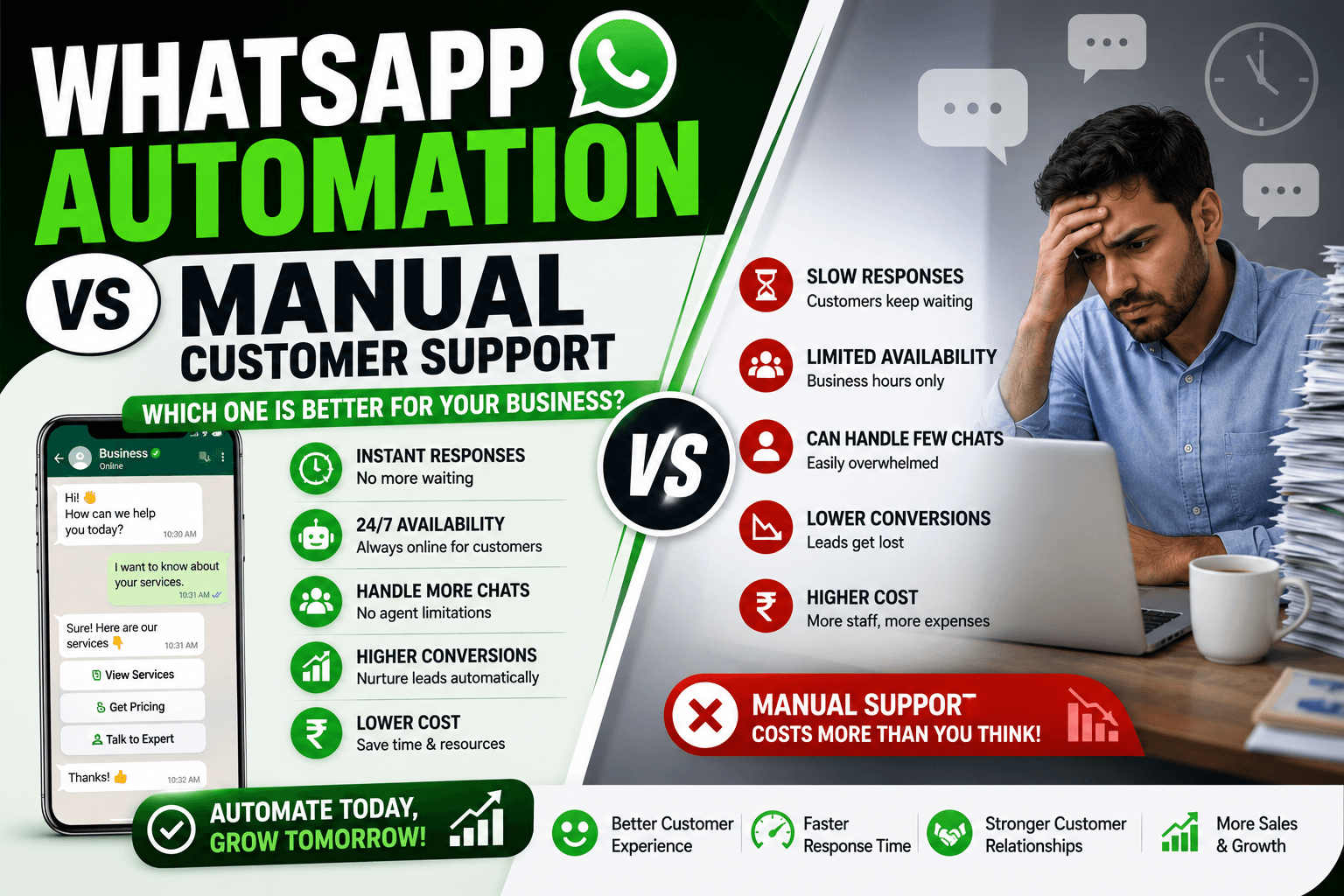
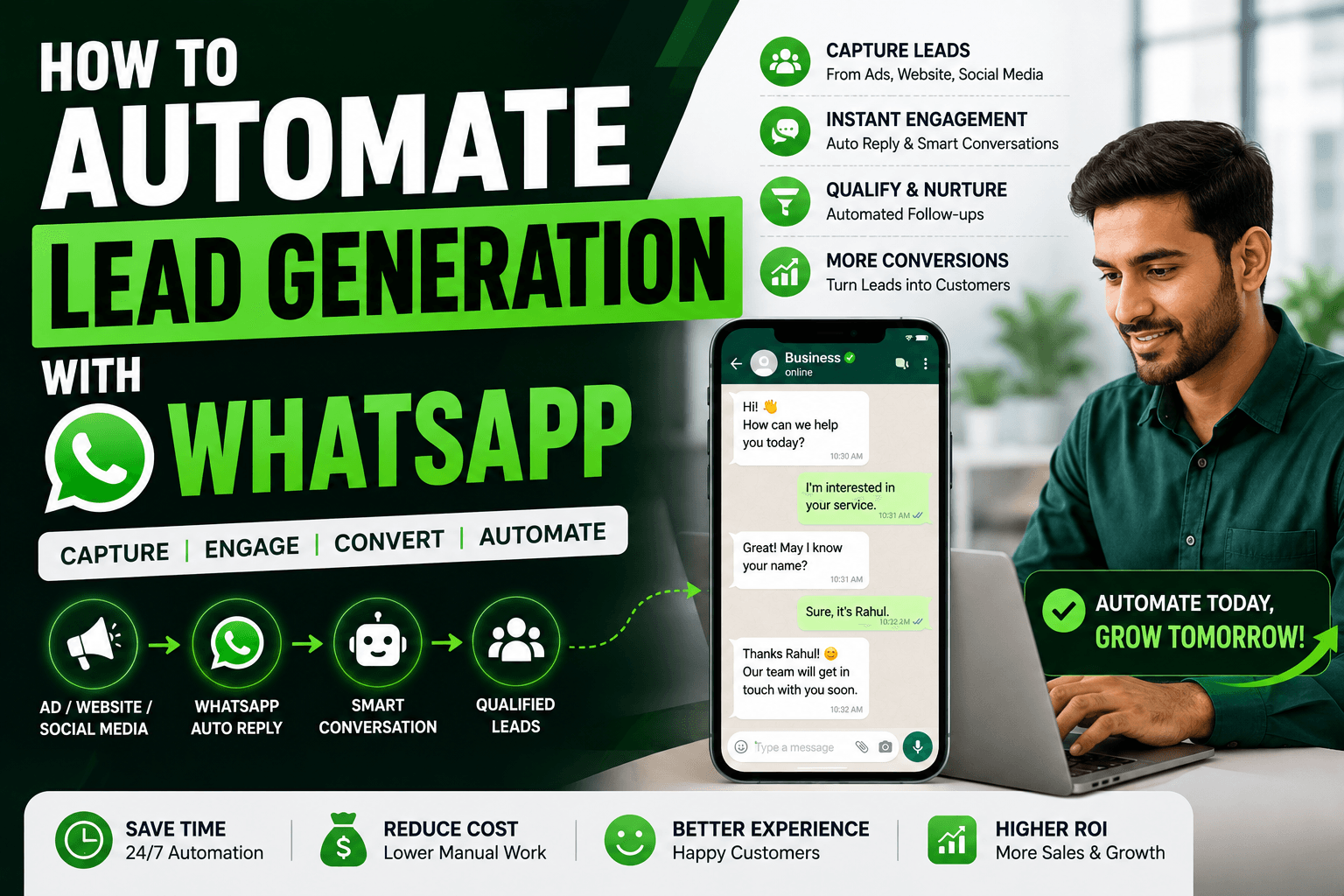
Instead of sending messages manually, businesses can automate their entire customer communication process while maintaining a professional experience.
Bulk Messaging Combined with Other TheQuickAssist Features
Workflow Automation
Automatically trigger campaigns after customer actions such as registrations, purchases, or inquiries.
Template Manager
Create, organize, and manage approved WhatsApp templates used in every campaign.
Shared Team Inbox
When customers reply to campaign messages, your team can manage conversations from one centralized inbox.
AI Agent
TheQuickAssist AI Agent can instantly respond to customer questions generated from marketing campaigns, reducing response times and improving engagement.
Analytics Dashboard
Measure campaign performance, delivery status, customer engagement, and overall messaging effectiveness.
Industries That Benefit from Bulk Messaging
- Retail Businesses
- E-commerce Stores
- Healthcare Clinics
- Educational Institutes
- Travel Agencies
- Real Estate Companies
- Financial Services
- Insurance Providers
- Restaurants
- Professional Service Businesses
Best Practices for WhatsApp Campaigns
- Use approved message templates.
- Segment your audience before sending campaigns.
- Send messages that provide value.
- Avoid sending too many promotional messages.
- Schedule campaigns at appropriate times.
- Monitor campaign performance regularly.
- Respect customer opt-out preferences.
Why Businesses Choose TheQuickAssist
TheQuickAssist brings together everything businesses need to manage WhatsApp communication from one platform.
- WhatsApp Business API
- Campaign Manager
- Bulk Messaging
- Template Management
- Workflow Automation
- Shared Team Inbox
- AI Agent
- WhatsApp CRM
- Analytics Dashboard
By combining these features, businesses can communicate with customers more effectively while saving time and improving campaign performance.
Final Thoughts
Both WhatsApp Broadcast and Bulk Messaging have their place, but they are designed for different business needs.
If your business communicates with a small number of customers occasionally, Broadcast Lists may be enough. However, businesses looking to scale customer communication, automate campaigns, and measure performance will benefit significantly from WhatsApp Business API and Bulk Messaging.
TheQuickAssist simplifies the entire process by giving businesses one platform to create campaigns, manage templates, automate workflows, and engage customers more effectively.
Ready to Launch Smarter WhatsApp Campaigns?
See how TheQuickAssist Campaign Manager helps businesses automate WhatsApp marketing, improve customer engagement, and manage campaigns with confidence.
Frequently Asked Questions
What is the difference between WhatsApp Broadcast and Bulk Messaging?
WhatsApp Broadcast is available in the WhatsApp Business App and is designed for smaller contact lists. Bulk Messaging uses the WhatsApp Business API to send approved template messages to larger audiences with automation, segmentation, and analytics.
Can I send bulk messages using the WhatsApp Business App?
The WhatsApp Business App supports Broadcast Lists but does not provide the advanced capabilities of Bulk Messaging through the WhatsApp Business API.
Do I need the WhatsApp Business API for bulk messaging?
Yes. Businesses that want to send compliant bulk campaigns at scale need access to the WhatsApp Business API.
Can I schedule WhatsApp campaigns?
Yes. TheQuickAssist Campaign Manager allows businesses to schedule campaigns in advance, helping teams communicate with customers at the right time.
Can customers reply to bulk messages?
Yes. Customers can reply to bulk messages just like any other WhatsApp conversation, and replies can be managed through TheQuickAssist Shared Team Inbox.
How does TheQuickAssist help with WhatsApp bulk messaging?
TheQuickAssist enables businesses to create campaigns, manage approved templates, automate messaging workflows, segment customers, monitor analytics, and respond to customers from one centralized platform.