Blog
How to Add a WhatsApp Chat Button to Your Website (Free Widget Generator)
Apr 29, 2026
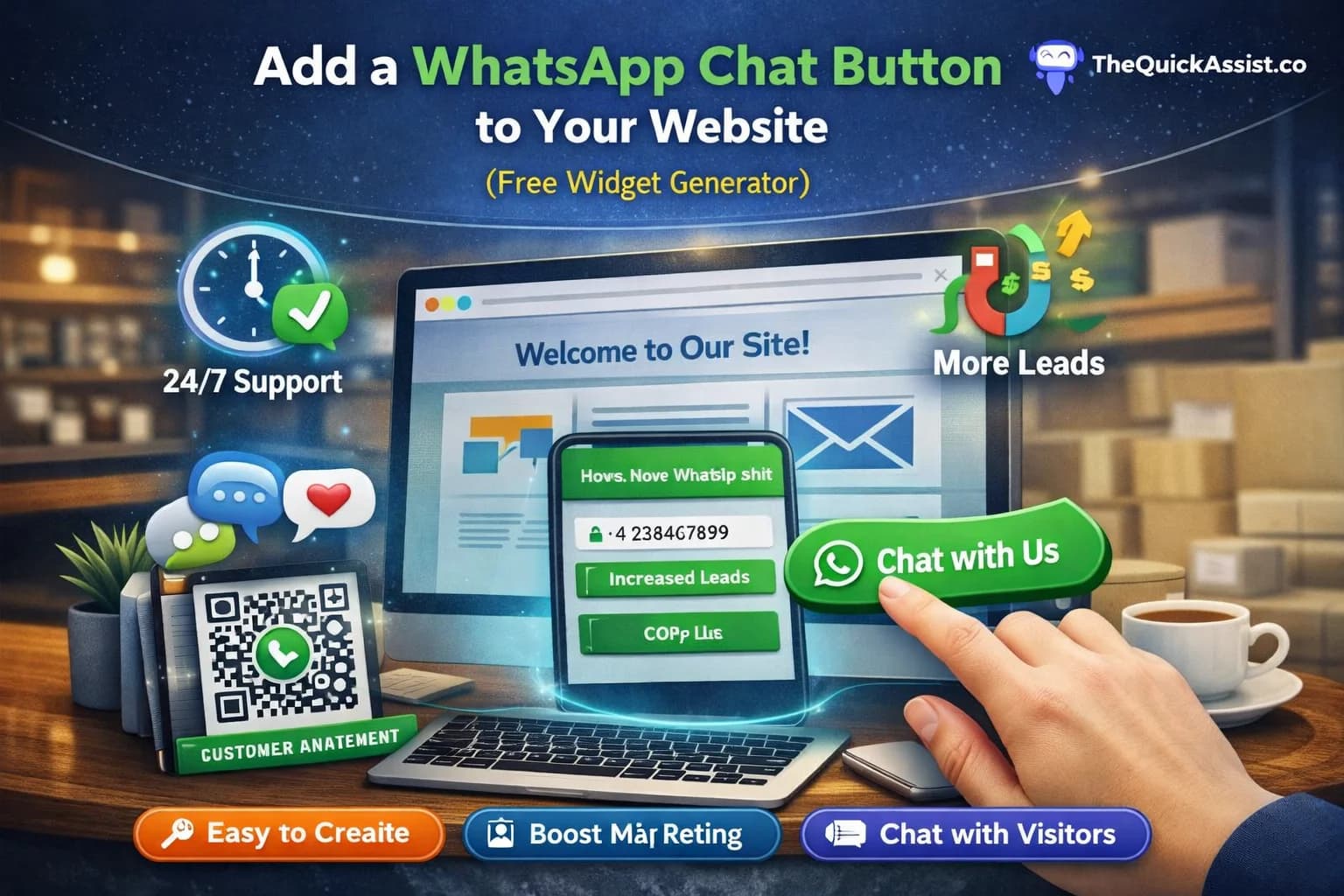
How to Add a WhatsApp Chat Button to Your Website (Free Widget Generator)
Adding a WhatsApp chat button to your website is one of the most effective ways to convert visitors into customers. This floating widget allows users to start WhatsApp conversations with your business instantly, reducing friction and increasing engagement. In this comprehensive guide, we'll show you how to add this powerful tool to your website using our free widget generator.
How the WhatsApp Widget Works
Simple technology, powerful results
The widget works by embedding a small piece of code on your website that creates the floating button. When clicked, it opens WhatsApp with your business number pre-filled, ready for the user to start a conversation.
- Lightweight JavaScript code (under 50KB)
- No impact on website loading speed
- Cross-browser compatible
- Works on all mobile and desktop devices
- Secure and GDPR compliant
Step-by-Step Guide: Adding the Widget
From setup to live in minutes
- Step 1: Visit our free WhatsApp widget generator
- Step 2: Enter your WhatsApp business number
- Step 3: Customize button colors and text
- Step 4: Choose button position and style
- Step 5: Copy the generated code
- Step 6: Paste the code into your website's HTML
- Step 7: Test the button functionality
- Step 8: Go live and start receiving messages
Customization Options
Make it match your brand
- Button color and hover effects
- Custom welcome message
- Button size and shape options
- Position settings (bottom-right, bottom-left, etc.)
- Show/hide on mobile devices
- Animation effects and transitions
- Custom CSS support for advanced styling
Where to Place It on Your Website
Strategic placement for maximum visibility
- Bottom-right corner (most common and effective)
- Above the fold on mobile devices
- Near pricing or checkout pages
- On product pages for immediate questions
- In the footer for easy access
- On contact and support pages
Placement Best Practices
The placement of your WhatsApp button can significantly impact its effectiveness. Consider these strategies:
- Don't overlap with important page elements
- Ensure visibility without being intrusive
- Test different positions on mobile vs desktop
- Consider user flow and decision points
- Avoid placing too close to other CTAs
Can I Track Conversations from the Widget?
Analytics and insights
Yes! Our widget generator includes built-in tracking capabilities to help you measure performance:
- Track button clicks and interactions
- Monitor conversation start rates
- Measure conversion from click to chat
- Analyze peak usage times
- Integrate with Google Analytics
- Export data for further analysis
Advanced Tracking Features
- UTM parameter support for campaign tracking
- Custom event tracking integration
- A/B testing different button styles
- Heatmap integration for user behavior
- CRM integration for lead management
Technical Requirements
What you need to get started
- Any website platform (WordPress, Shopify, custom, etc.)
- Access to website's HTML/CSS
- WhatsApp Business account (recommended)
- Basic understanding of HTML (not required for most platforms)
Platform-Specific Integration
Easy setup for popular platforms
- WordPress: Use HTML block or theme customizer
- Shopify: Add to theme.liquid file
- Wix: Use HTML embed element
- Squarespace: Add to code injection
- Custom sites: Add before closing </body> tag
Mobile Optimization
Perfect for mobile users
- Responsive design for all screen sizes
- Touch-friendly button size
- Fast loading on mobile networks
- Doesn't interfere with mobile navigation
- Optimized for both iOS and Android
Security and Privacy
Safe and compliant
- GDPR compliant implementation
- No personal data stored on our servers
- Secure HTTPS connections only
- Respects user privacy preferences
- Easy to disable if needed
Common Issues and Solutions
Quick fixes for common problems
- Button not showing: Check code placement
- Wrong number opening: Verify phone number format
- Button overlapping: Adjust position settings
- Slow loading: Optimize website performance
- Not working on mobile: Check responsive settings
Best Practices for Success
Maximize your WhatsApp button performance
- Set up quick response templates for common questions
- Ensure fast response times to incoming messages
- Use professional WhatsApp Business profile
- Train your team on WhatsApp communication etiquette
- Monitor and respond to messages promptly
- Regularly update your business information
Measuring Success
Key metrics to track
- Button click-through rate
- Conversation initiation rate
- Lead conversion from WhatsApp
- Customer satisfaction scores
- Response time metrics
- Return on investment (ROI)
Start Your WhatsApp Journey Today
Adding a WhatsApp chat button to your website is a simple yet powerful way to improve customer communication and increase conversions. With our free widget generator, you can have this tool up and running in minutes, without any technical expertise or cost.
- Free to use with no hidden costs
- No coding skills required
- Works with any website platform
- Instant setup and deployment
- Professional appearance that builds trust
- 24/7 availability for your customers