Blog
How to Create WhatsApp QR Code
Apr 29, 2026
How to Create WhatsApp QR Code
Connect with customers instantly
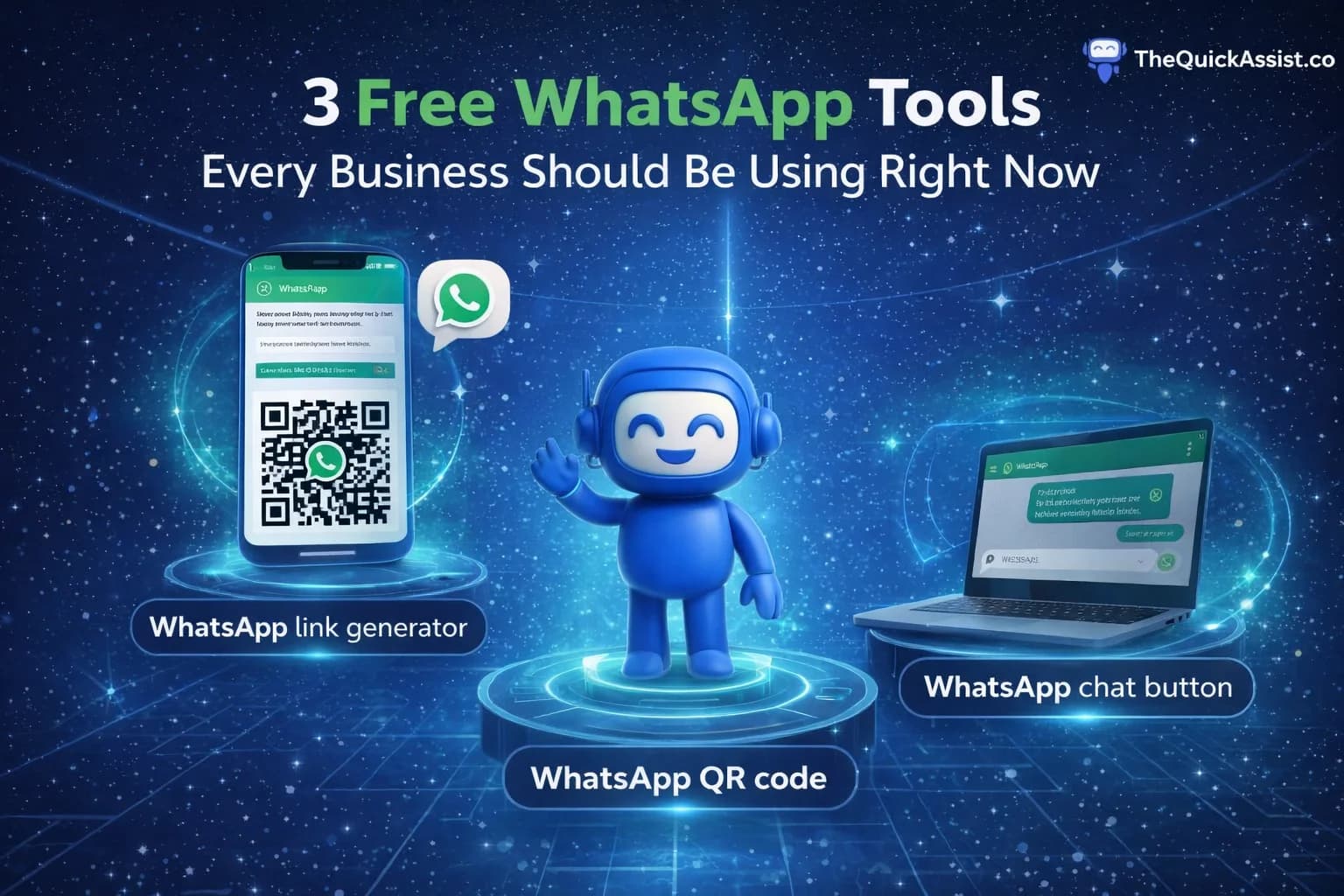
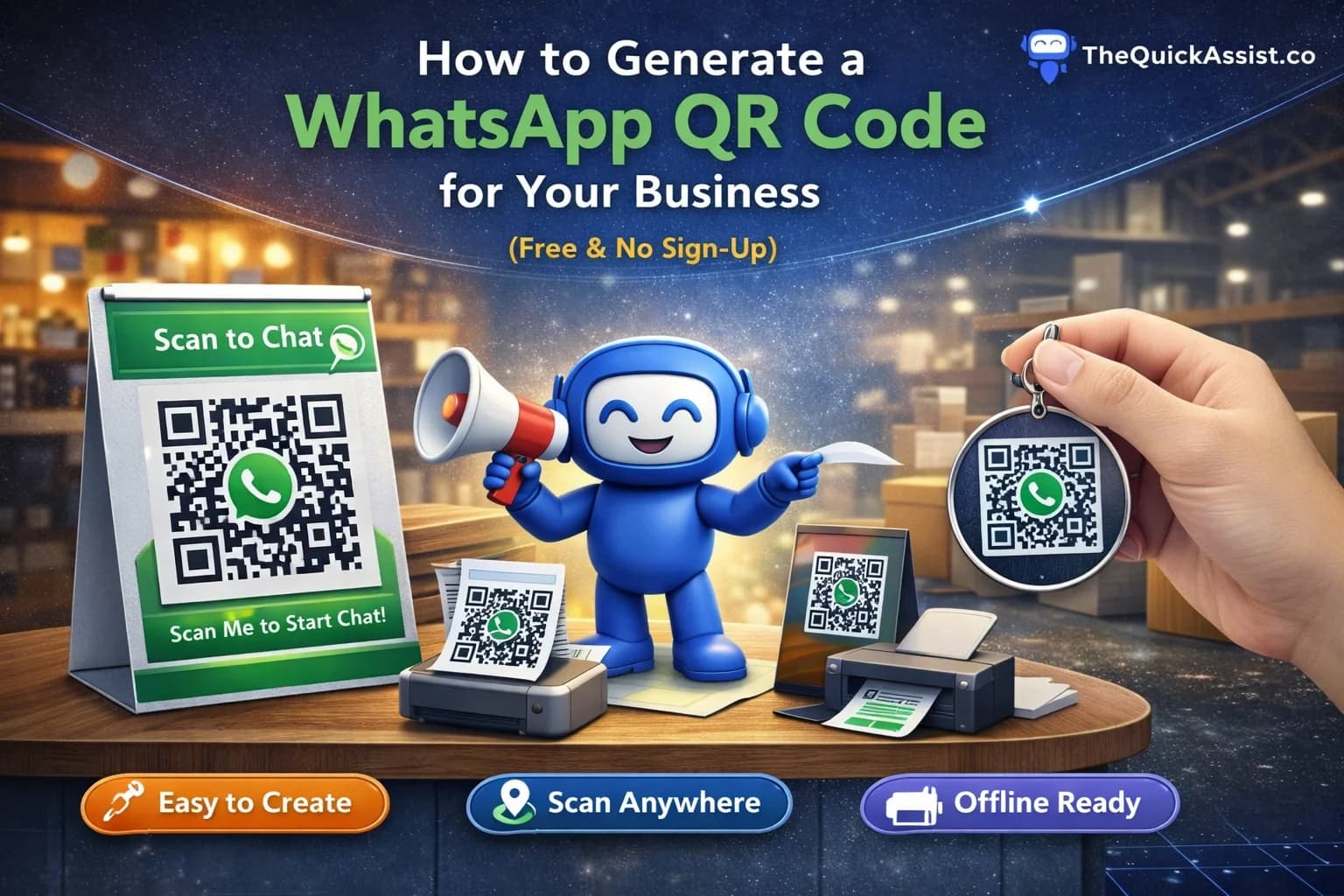
A WhatsApp QR code is a powerful tool that bridges the gap between offline and online communication. With just one scan, customers can start a conversation with your business on WhatsApp, making it easier than ever to connect and convert.
What is a WhatsApp QR Code?
The modern business card
A WhatsApp QR code is a scannable code that, when scanned with a smartphone camera, automatically opens WhatsApp and initiates a conversation with your business number. It eliminates the need for manual number entry and reduces friction in customer communication.
- Instant connection to your WhatsApp business account
- No manual phone number entry required
- Works with any smartphone camera
- Can be customized with your brand colors
- Perfect for both online and offline marketing
- Supports pre-filled messages for better context
Why Use WhatsApp QR Codes?
Business advantages
- Increases customer engagement by 300%
- Reduces barrier to communication significantly
- Perfect for physical locations and events
- Trackable through custom landing pages
- Cost-effective marketing tool
- Professional and modern appearance
- Works 24/7 without human intervention
How to Create WhatsApp QR Code in 3 Steps
Simple and fast process
No registration required. Completely free. Your QR code is ready in under 30 seconds.
- Step 1: Visit our free WhatsApp QR Code Generator
- Step 2: Enter your WhatsApp number with country code
- Step 3: Customize colors and download your QR code
Customization Options
Make it match your brand
- Choose your brand colors
- Add your logo in the center
- Select different QR code styles
- Adjust size for different use cases
- Download in multiple formats (PNG, SVG, PDF)
- Add custom frame with call-to-action text
Where to Place WhatsApp QR Code
Strategic locations for maximum impact
Physical Locations
Brick and mortar advantages
- Store entrances and checkout counters
- Restaurant tables for instant ordering
- Business cards and marketing materials
- Product packaging and labels
- Event booths and trade shows
- Vehicle wraps and company vehicles
- Office reception areas
Digital Platforms
Online integration
- Website footer and contact pages
- Email signatures and newsletters
- Social media profiles and posts
- Digital business cards
- PDF documents and presentations
- Mobile apps and digital menus
- Online advertisements and banners
Best Practices for WhatsApp QR Codes
Maximize effectiveness
- Test QR code before mass printing
- Ensure minimum size of 2x2 cm for print
- Add clear call-to-action text nearby
- Place at eye level for easy scanning
- Use high-contrast colors for better scanning
- Include WhatsApp logo for recognition
- Provide backup contact method
Tracking and Analytics
Measure your success
- Create unique QR codes for different campaigns
- Track scan rates and conversion metrics
- Monitor peak scanning times
- Analyze geographic distribution
- Measure ROI from QR code campaigns
- A/B test different designs and placements
Security Considerations
Protect your business
- Use official WhatsApp QR code generators
- Avoid sharing personal WhatsApp numbers
- Regularly update business information
- Monitor for spam and abuse
- Set up proper business profile
- Use WhatsApp Business API for scale
Industry-Specific Examples
Real-world applications
- Restaurants: Table ordering and reservations
- Retail: Product inquiries and customer support
- Real Estate: Property inquiries and viewings
- Healthcare: Appointment booking and consultations
- Education: Course information and enrollment
- Events: Registration and information requests
Common Mistakes to Avoid
Pitfalls and solutions
- QR codes too small for easy scanning
- Poor color contrast affecting readability
- No clear call-to-action instructions
- Placing QR codes in inaccessible locations
- Forgetting to test before deployment
- Using low-resolution images for print
- Not updating expired QR codes
Future of WhatsApp QR Codes
What's coming next
- Dynamic QR codes with editable destinations
- Integration with augmented reality
- Advanced analytics and user behavior tracking
- Multi-language support for global businesses
- Integration with payment systems
- AI-powered QR code optimization
Start Using WhatsApp QR Codes Today
WhatsApp QR codes are revolutionizing how businesses connect with customers. They're simple to create, easy to implement, and incredibly effective at driving engagement. Start using them today to transform your customer communication strategy.
- Free to create and use
- No technical skills required
- Instant setup and deployment
- Measurable results and ROI
- Professional appearance that builds trust
- Scalable solution for growing businesses