How to Create WhatsApp Message Templates That Get Approved Faster
How to Create WhatsApp Message Templates That Get Approved Faster
Learn how WhatsApp message templates work, why Meta requires them, common reasons for rejection, and how TheQuickAssist makes template creation simple.
Once your business starts using the WhatsApp Business API, sending outbound messages isn't as simple as typing a message and pressing send.
Whether you're sending appointment reminders, payment confirmations, order updates, promotional offers, or follow-up messages, Meta requires businesses to use approved WhatsApp message templates.
For many businesses, understanding templates can feel confusing. Why are templates required? Why do some get rejected? And how can you manage them efficiently?
In this guide, we'll explain everything you need to know about WhatsApp message templates and show how TheQuickAssist Template Manager helps businesses create, organize, and use templates more efficiently.
What Are WhatsApp Message Templates?
WhatsApp message templates are pre-approved message formats that businesses use to initiate conversations with customers outside the 24-hour customer service window.
Unlike regular replies, these messages must be reviewed and approved by Meta before they can be sent.
Templates help ensure customers receive useful, relevant, and non-spammy communication.
Why Does Meta Require Message Templates?
Meta introduced message templates to improve customer experience and reduce spam.
Every approved template follows WhatsApp's Business Messaging Policy, ensuring businesses communicate responsibly.
This helps:
- Protect customers from spam.
- Maintain high-quality conversations.
- Improve trust between businesses and customers.
- Keep messaging relevant and useful.
Types of WhatsApp Message Templates
Marketing Templates
Marketing templates are used to promote products, services, events, offers, and announcements.
Examples include:
- Festival offers.
- Product launches.
- Discount campaigns.
- New service announcements.
- Seasonal promotions.
Utility Templates
Utility templates provide important information related to an existing customer interaction.
Examples include:
- Appointment confirmations.
- Appointment reminders.
- Order updates.
- Payment reminders.
- Delivery notifications.
- Invoice notifications.
Authentication Templates
Authentication templates are used to verify customer identity.
Examples include:
- One-time passwords (OTP).
- Verification codes.
- Secure login messages.
Common Reasons WhatsApp Templates Get Rejected
Many businesses experience template rejections simply because they don't follow Meta's guidelines.
Some of the most common reasons include:
- Using overly promotional language.
- Writing misleading or unclear messages.
- Using incorrect variables or placeholders.
- Including unsupported content.
- Violating WhatsApp Business Messaging Policies.
- Using poor grammar or incomplete information.
- Submitting duplicate templates repeatedly.
Understanding these requirements before submission can save time and improve approval rates.
Best Practices for Creating WhatsApp Templates
Keep Messages Clear
Write simple, direct messages that clearly explain why the customer is receiving them.
Use Variables Correctly
If you're using placeholders such as customer names or appointment dates, ensure they are used naturally within the message.
Avoid Spam-Like Language
Avoid excessive capitalization, misleading claims, or language that appears overly promotional.
Focus on Customer Value
Every template should provide useful information rather than unnecessary marketing.
Review Before Submitting
Carefully review spelling, grammar, and variable placement before submitting templates for approval.
How TheQuickAssist Template Manager Simplifies Everything
Managing dozens of WhatsApp templates manually can quickly become difficult, especially for growing businesses.
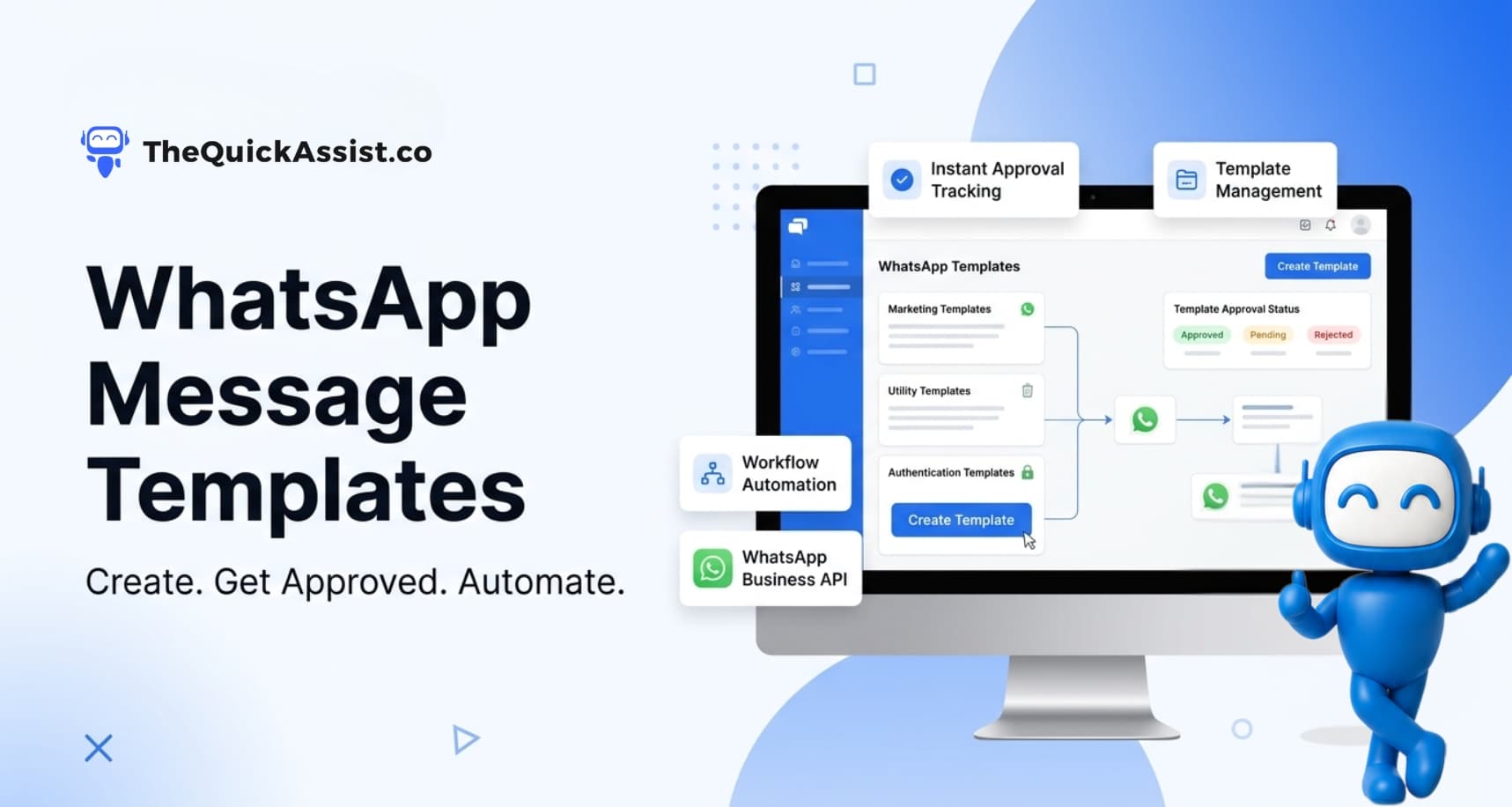
TheQuickAssist includes a dedicated Template Manager that simplifies the entire process.
With TheQuickAssist, businesses can:
- Create WhatsApp message templates from one dashboard.
- Organize templates by category.
- Submit templates for Meta approval.
- Track approval status.
- Edit and manage existing templates.
- Reuse templates across multiple workflows.
- Launch campaigns using approved templates.
Instead of switching between different platforms, businesses can manage every stage of template creation from a single interface.
Using Templates with Other TheQuickAssist Features
Message templates become even more powerful when combined with automation.
Appointment Manager
Automatically send appointment confirmations and reminder templates after customers complete their booking.
Workflow Automation
Trigger template messages automatically based on customer actions, time intervals, or business workflows.
AI Agent
Once a customer replies to an approved template, TheQuickAssist AI Agent can continue the conversation instantly by answering questions and guiding customers through the next steps.
Shared Team Inbox
If a customer needs assistance, conversations can be transferred seamlessly to your team without losing context.
Real Business Example
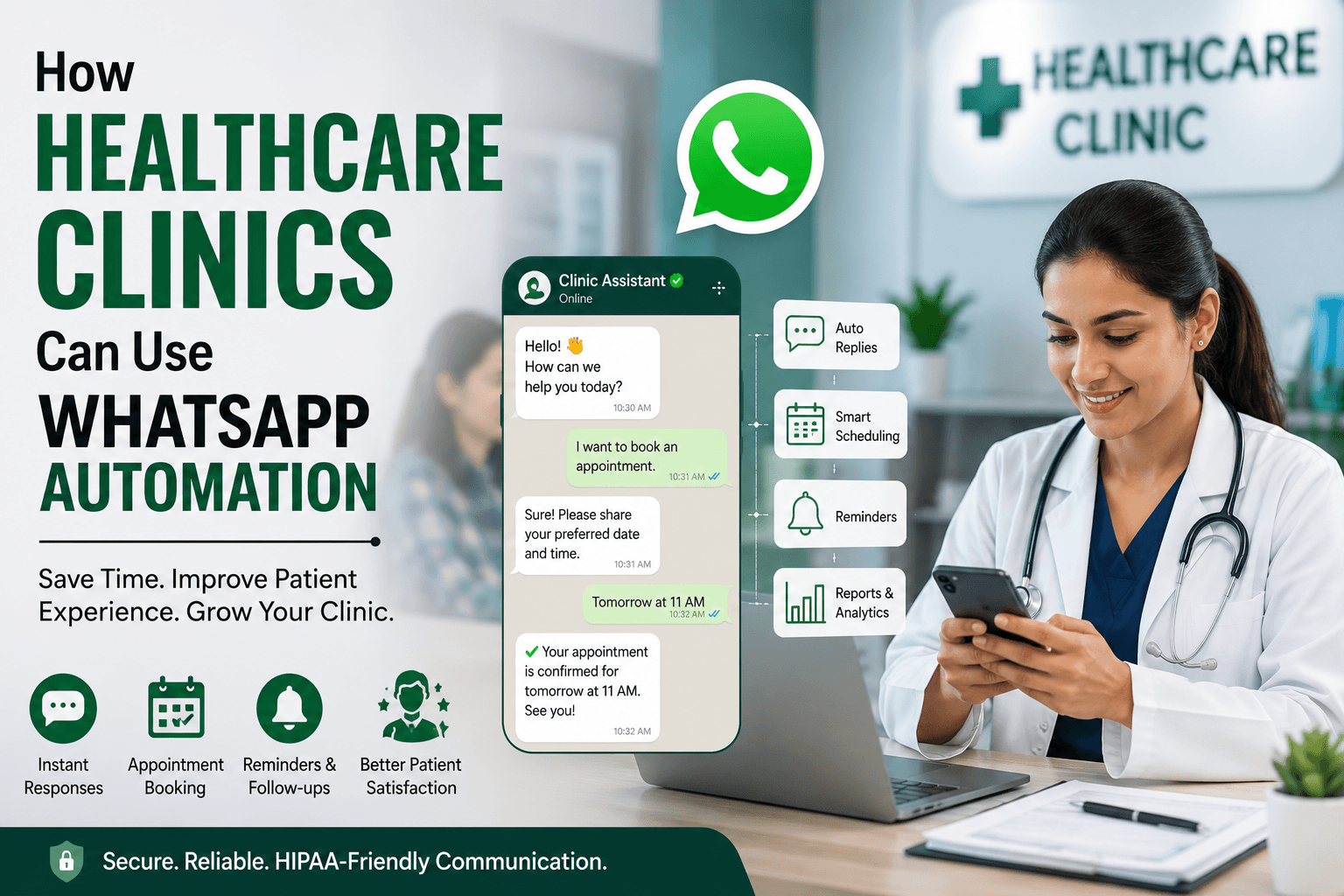
Imagine a healthcare clinic using TheQuickAssist.
- A patient books an appointment through WhatsApp.
- An appointment confirmation template is sent automatically.
- A reminder template is delivered one day before the appointment.
- After the consultation, a follow-up template requests feedback.
- If the patient replies, the AI Agent or support team continues the conversation.
The entire customer journey happens automatically while maintaining a professional and consistent experience.
Industries That Benefit from WhatsApp Templates
- Healthcare
- Real Estate
- Education
- Travel Agencies
- E-commerce
- Retail Businesses
- Financial Services
- Insurance Companies
- Restaurants
- Professional Service Providers
Why Businesses Choose TheQuickAssist
TheQuickAssist goes beyond template management by combining WhatsApp Business API with powerful automation features.
Businesses can:
- Create and manage approved WhatsApp templates.
- Automate reminders and follow-ups.
- Launch marketing campaigns.
- Manage customer conversations through a Shared Team Inbox.
- Use AI Agents to respond instantly.
- Track customer interactions through WhatsApp CRM.
- Monitor campaign performance using analytics.
Everything works together from one platform, helping businesses save time while delivering a better customer experience.
Final Thoughts
WhatsApp message templates are an essential part of using the WhatsApp Business API effectively.
By understanding template categories, following Meta's guidelines, and managing templates efficiently, businesses can communicate with customers more consistently while improving approval rates.
With TheQuickAssist Template Manager, businesses can simplify template creation, automate customer communication, and build workflows that scale as their business grows.
Ready to Simplify WhatsApp Template Management?
Discover how TheQuickAssist helps businesses create approved WhatsApp templates, automate communication, and improve customer engagement from one platform.
Question for You
How much time could your business save if every reminder, confirmation, and follow-up message was created and managed automatically?